
Learn by doing
ESP32 Learning Guides
Guides are individual tutorials: choose a skill or part below. Learning Paths arrange those tutorials in an order, with prerequisites and a next step.
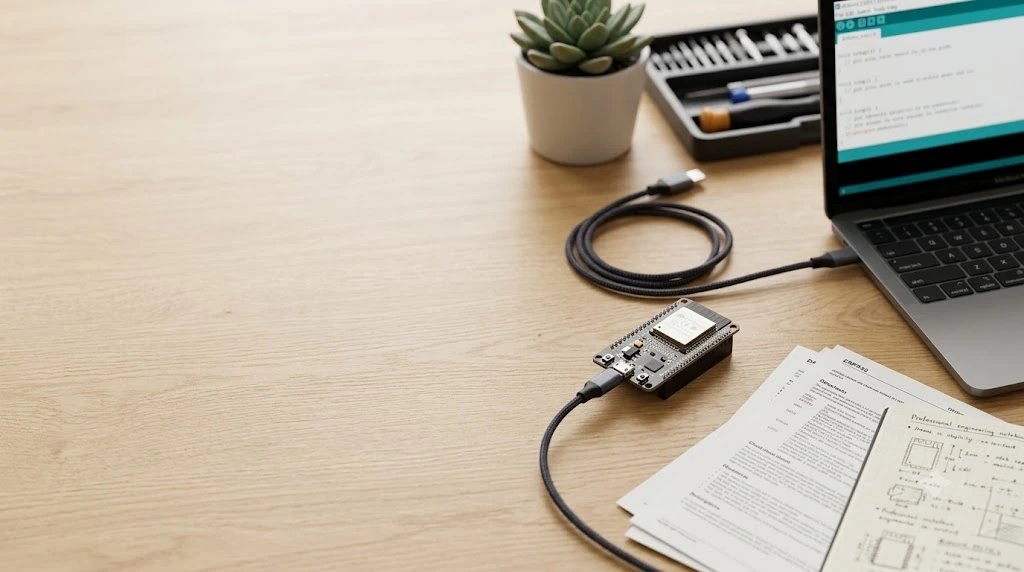
Start here: five beginner steps
Follow this order with a classic ESP32 WROOM DevKit and Arduino-ESP32 3.x. Each guide explains its exact hardware assumptions. Finish each expected result before moving on.
Arduino IDE setup
Install the board package, select your board and port, then verify a Serial-only upload.
Parts: ESP32 DevKit, data-capable USB cable and computer.
Before you start: Start here; no circuit or onboard LED is required.
Blink LED
Wire an external LED and control a digital output.
Parts: Add an LED, 220 ohm resistor, breadboard and jumper wires.
Before you start: First confirm the Serial upload in step 1 works.
Button input
Read a button with INPUT_PULLUP and use it to control the LED.
Parts: Add a pushbutton; reuse the LED circuit and breadboard.
Before you start: First make the external LED blink in step 2.
DHT11 sensor
Install a sensor library and read temperature and humidity in Serial Monitor.
Parts: Add a DHT11; check the guide for bare-sensor versus module wiring and pull-up requirements.
Before you start: Keep the working upload setup and practise the button wiring before adding a sensor.
OLED display
Wire an SSD1306 I2C OLED and show text. Combining sensor values is a later exercise.
Parts: Add the guide’s 128×64 SSD1306 I2C OLED; verify its supply and signal requirements.
Before you start: Use the library-installation and Serial Monitor skills from step 4.
Need background first? Read What is ESP32? and the DevKit board guide. After these five steps, choose a sensor path or display path.
Mission Journeys
15 hands-on missions with stories, safety tips, wiring, code, and practical challenges — choose a topic or use the beginner sequence above.
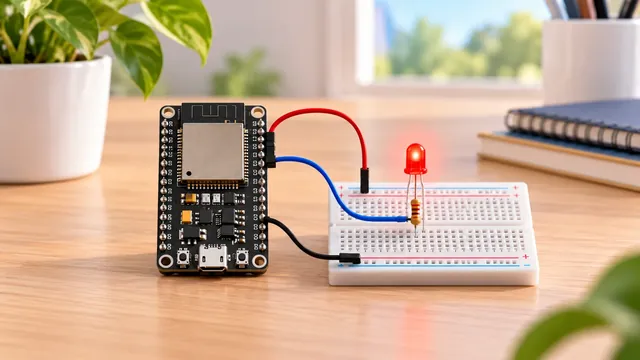
Blink an LED with ESP32
Your first real ESP32 project — one LED, a few wires, and code you write yourself. Let's make it blink!
Start Mission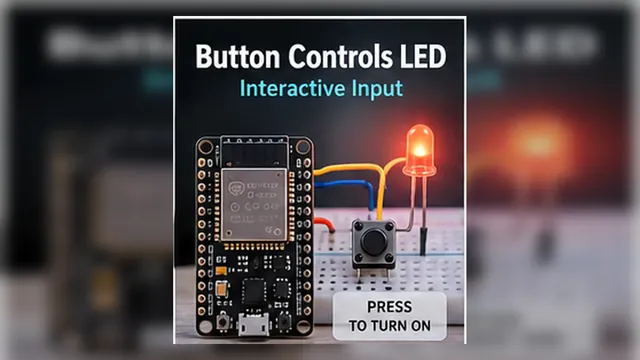
Button Controls LED with ESP32
Connect one side of a push button to ESP32 GPIO22 and the other side to GND, then use INPUT_PULLUP so released reads…
Start Mission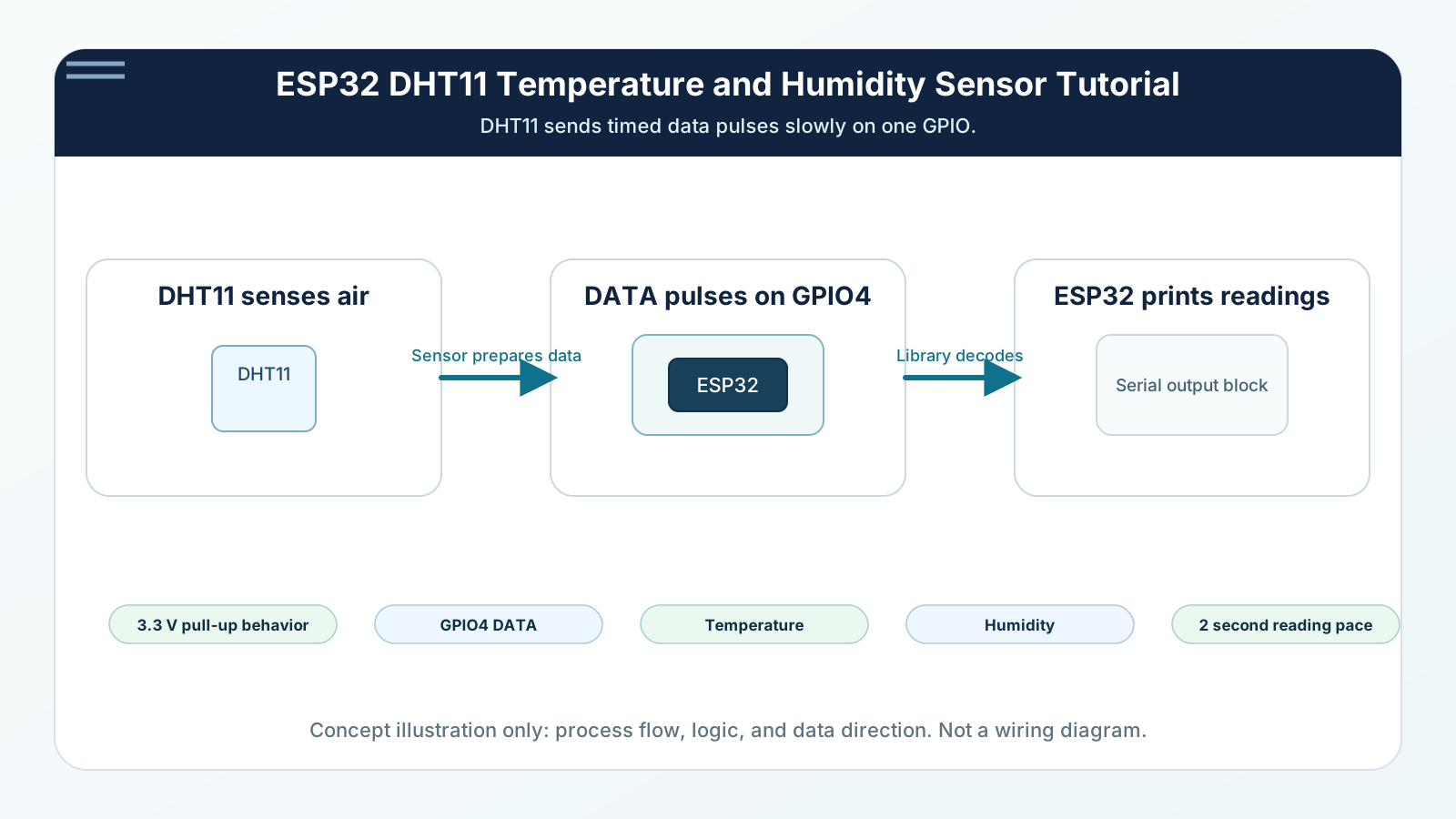
Read Temperature with DHT11
Build a real ESP32 room sensor with the DHT11. You will wire power, ground, and one data pin, then read temperature a…
Start Mission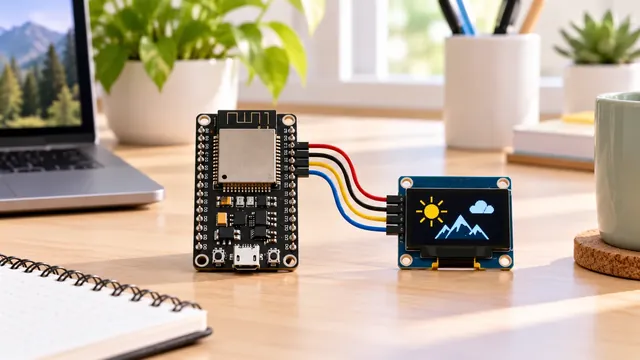
Connect OLED Display with ESP32
Wire a four-pin SSD1306 I2C OLED to ESP32 using 3.3 V, GND, SDA on GPIO21, and SCL on GPIO22 in this site's examples,…
Start Mission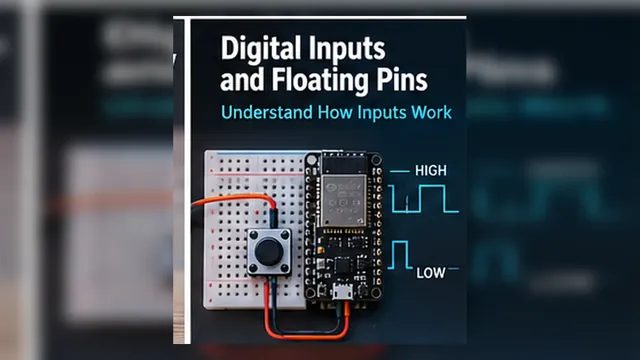
ESP32 Digital Inputs and Floating Pins
A floating input has no circuit holding it at a defined HIGH or LOW voltage. An unconnected ESP32 pin does not reliab…
Start Mission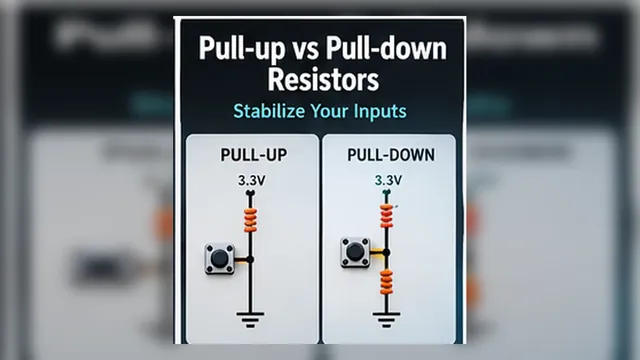
Pull-up vs Pull-down Resistors
A pull-up holds an open input HIGH; a pull-down holds it LOW. Wire the button to the opposite rail: pull-up buttons r…
Start Mission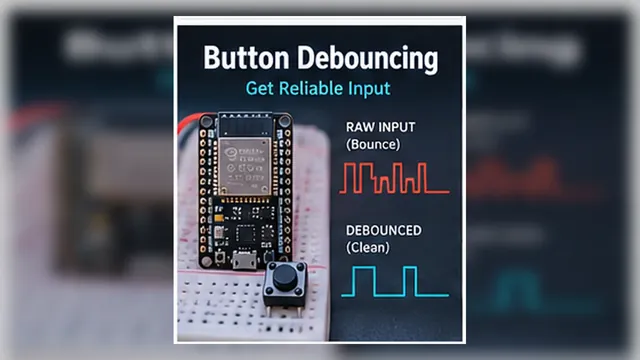
Button Debouncing
ESP32 button debounce means waiting until a mechanical button input stays stable before counting it. This mission wir…
Start Mission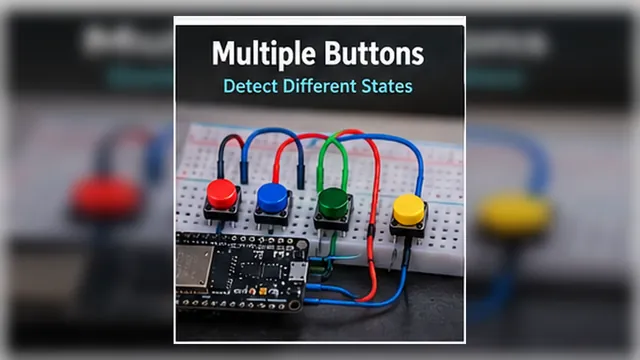
Multiple Buttons & State Detection
To connect multiple buttons to an ESP32, give each button its own GPIO and wire the other side to GND with INPUT_PULL…
Start Mission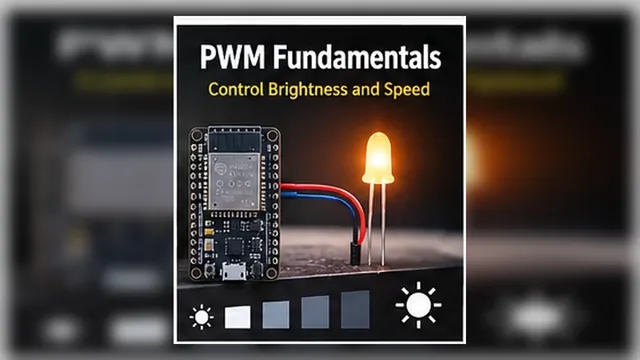
PWM Fundamentals
Digital pins can switch fully ON or fully OFF. PWM teaches the ESP32 to create useful in-between effects such as dim…
Start Mission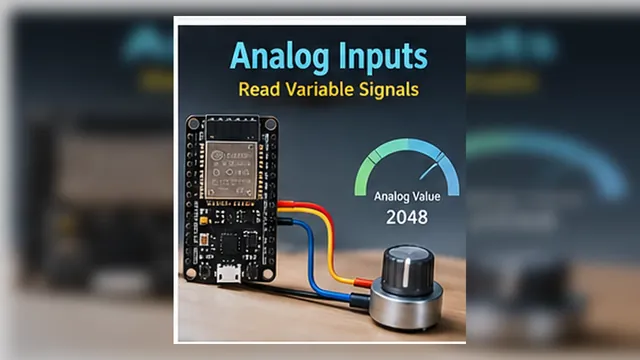
Analog Inputs
Read a potentiometer on classic ESP32 GPIO34. Watch raw ADC counts change as you turn the dial; counts are not a cali…
Start Mission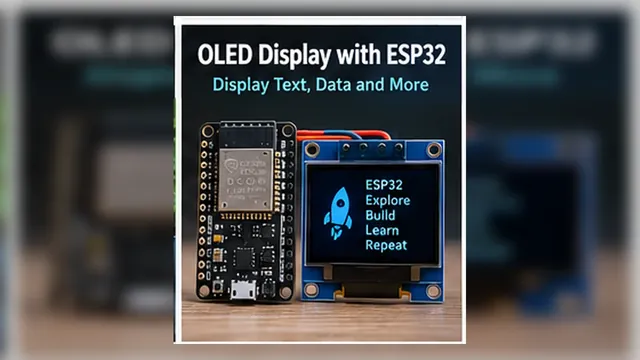
OLED Display with ESP32
This tutorial uses an SSD1306 I2C OLED display. Wire VCC to 3.3 V, GND to GND, SDA to GPIO21, and SCL to GPIO22, then…
Start Mission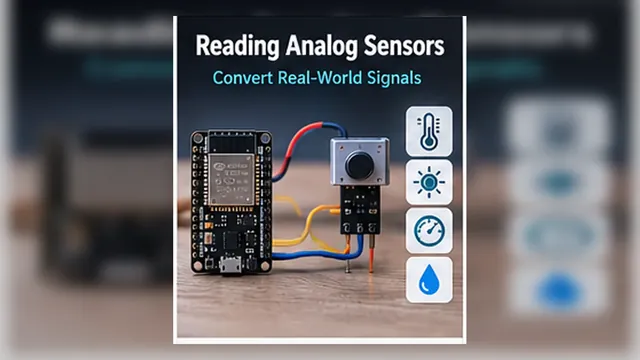
Reading Analog Sensors
A potentiometer is a dial you control by hand. Analog sensors use the same ADC idea, but the real world turns the dia…
Start Mission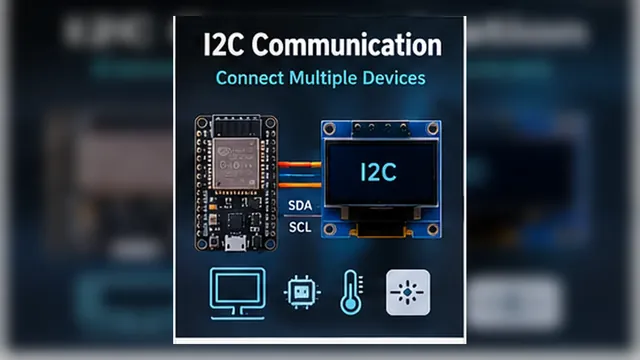
I2C Communication
Scan a short I2C bus on a classic ESP32-WROOM DevKit: GPIO21 is SDA and GPIO22 is SCL. Learn what an address response…
Start Mission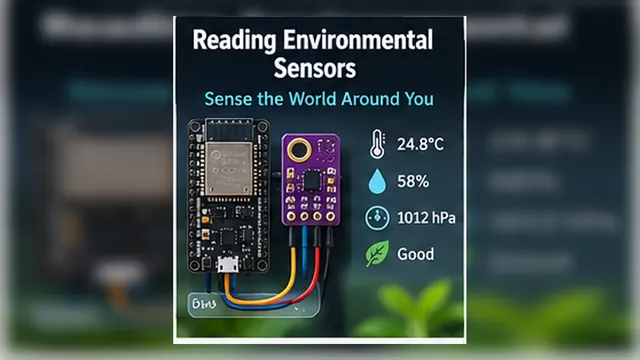
Reading Environmental Sensors
Embedded systems become useful when they observe the physical world. In this mission, your ESP32 reads air conditions…
Start Mission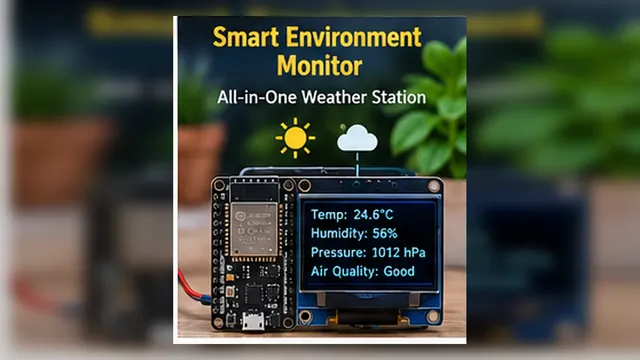
Smart Environment Monitor
This final Foundation mission combines sensors, displays, buttons, GPIO, decisions, and debugging into one complete e…
Start MissionReference Guides
31 setup and background articles; read the topics you need alongside hands-on tutorials.
 Reference GuideBeginner
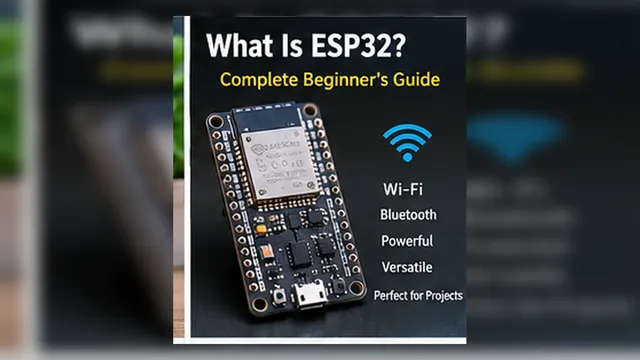
What Is ESP32? Complete Beginner's Guide
ESP32 is a family of programmable microcontroller chips from Espressif. A development board adds the power and USB circuitry needed to connect one to your co…
Read Guide Reference GuideBeginner
ESP32 with Arduino IDE: Complete Beginner Guide
Want to program your ESP32 from Arduino IDE? This guide takes you from a fresh setup to a successful upload, Serial Monitor output, and the next beginner pro…
Read GuideReference GuideBeginnerESP32 GPIO and Push Button Guide: Wiring, Arduino Code, Pull-Up & Debouncing
Connect a push button between a suitable ESP32 GPIO and GND, then use INPUT_PULLUP to get a stable released state. This guide explains the wiring, HIGH/LOW l…
Read GuideReference GuideBeginnerESP32 PWM: Complete Guide to PWM, Pins, Frequency & Duty Cycle
ESP32 PWM lets a digital GPIO create smooth-looking LED brightness, motor-driver speed commands, buzzer tones, and other adjustable outputs. This guide expla…
Read Guide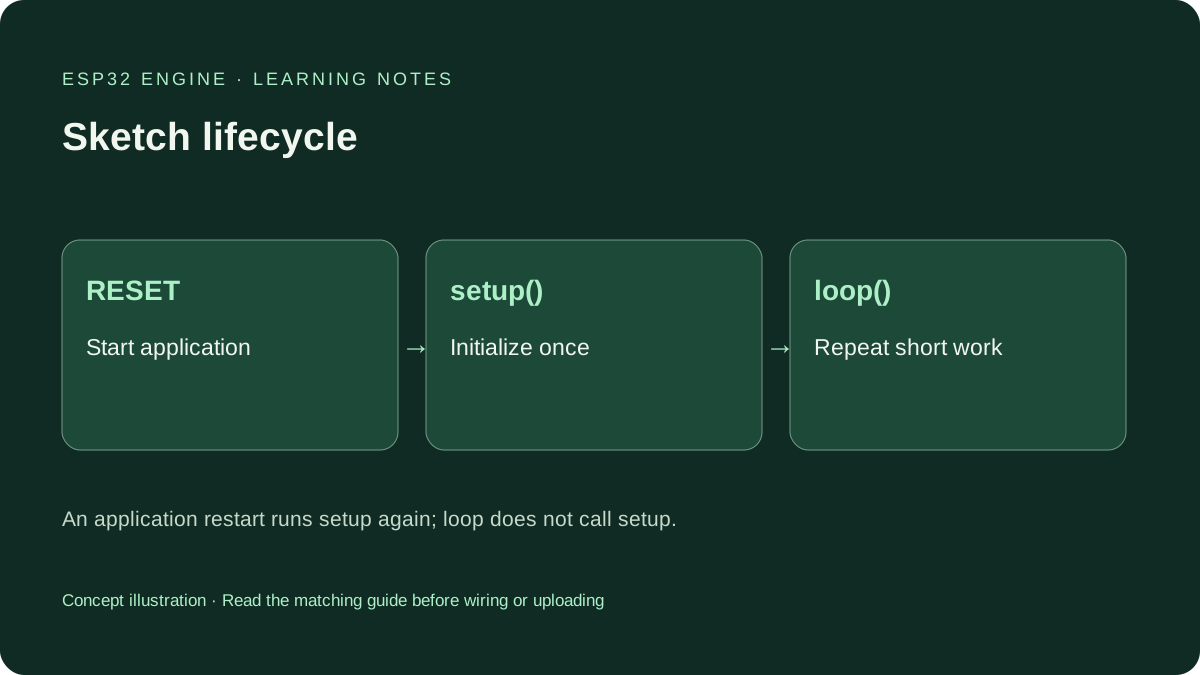 Reference GuideBeginner
ESP32 setup() and loop(): Understand Your First Arduino Sketch
Learn what setup() and loop() do on ESP32, follow a complete Serial-only sketch, understand variable scope and diagnose repeated startup messages.
Read Guide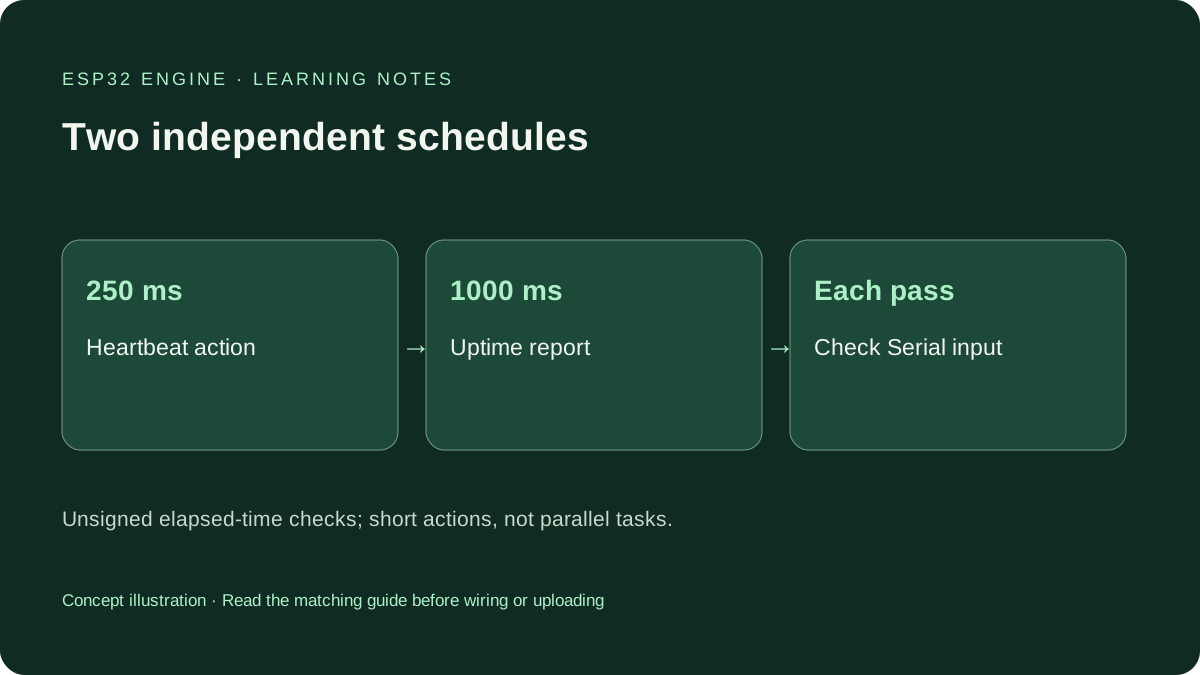 Reference GuideBeginner
ESP32 millis() vs delay(): Non-Blocking Timing for Beginners
Use millis() to schedule two ESP32 Serial messages while accepting commands. Learn elapsed-time subtraction, rollover and the limits of non-blocking code.
Read Guide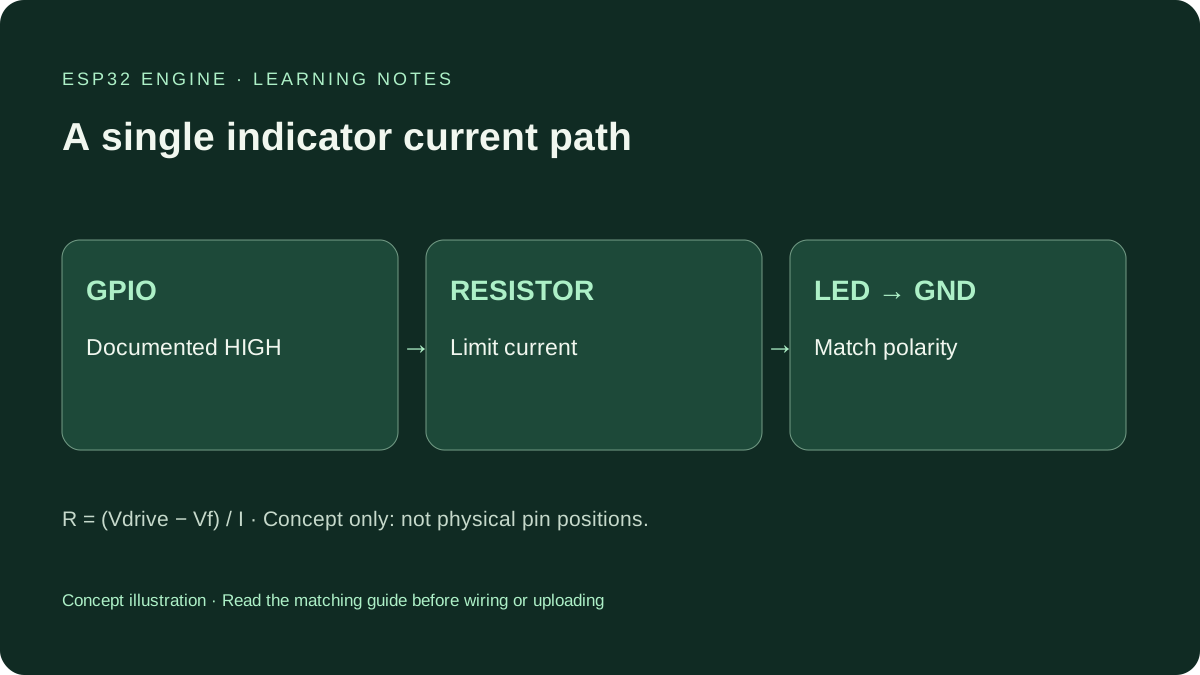 Reference GuideBeginner
ESP32 LED Resistor: Calculate Current and Choose a Safe Value
Choose a series resistor for a small ESP32 indicator LED. Work through voltage, current, tolerance and power, then apply the documented Blink wiring.
Read Guide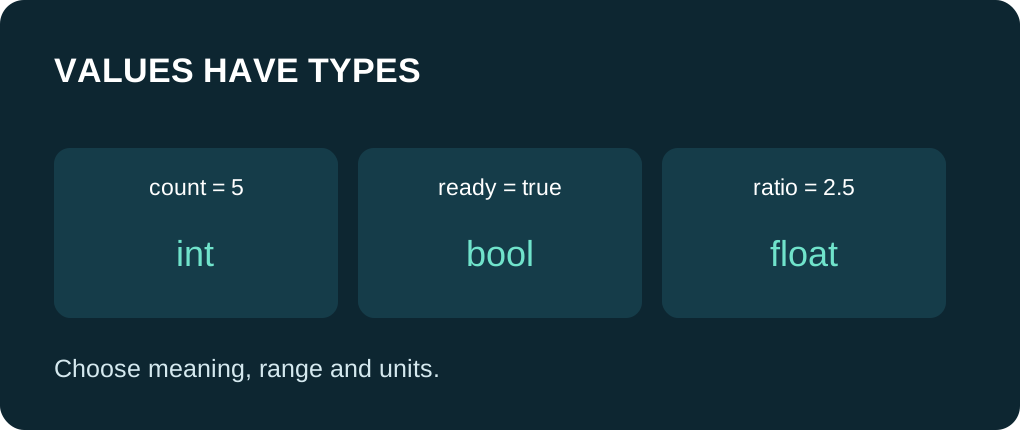 Reference GuideBeginner
ESP32 Variables and Data Types: Choose Values That Fit
Learn ESP32 variables, constants and data types with a complete Serial example covering integer division, decimal values, scope and storage size.
Read Guide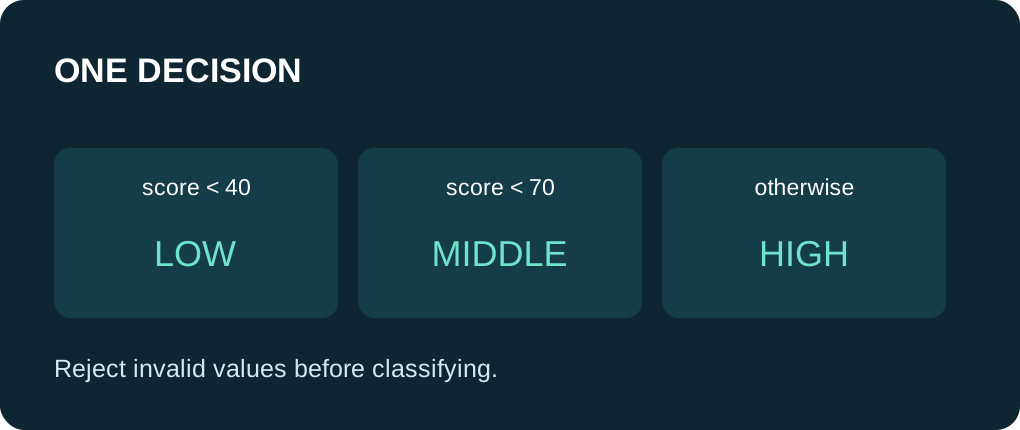 Reference GuideBeginner
ESP32 if, else and switch: Make Clear Decisions
Use if, else and switch in ESP32 Arduino code. Follow a complete Serial example with boundary cases, character commands and common comparison mistakes.
Read Guide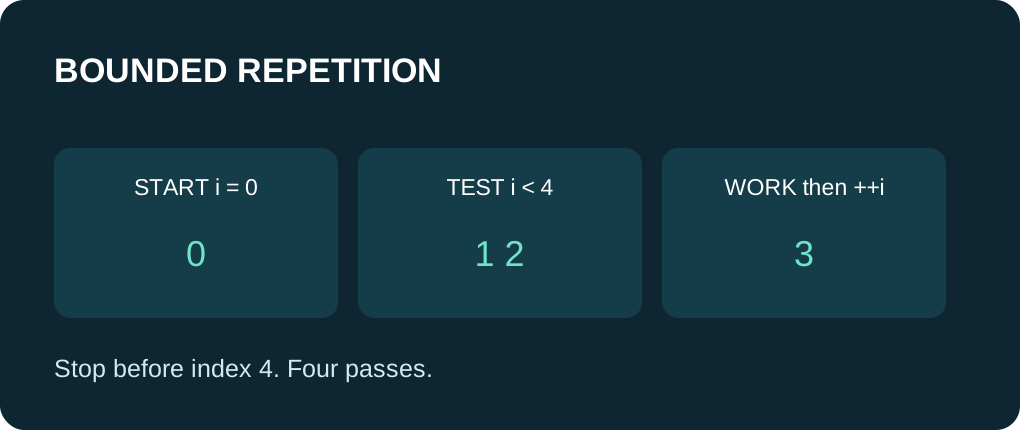 Reference GuideBeginner
ESP32 for and while Loops: Repeat Work Without Getting Stuck
Learn bounded for and while loops in ESP32 Arduino, trace counters and exit conditions, and avoid indefinite waits with a complete Serial-only example.
Read Guide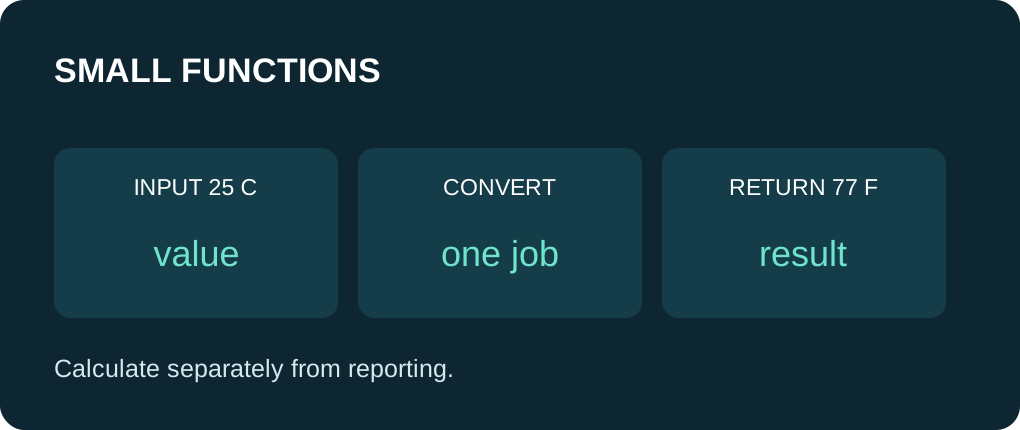 Reference GuideBeginner
ESP32 Functions: Write Small, Reusable Arduino Helpers
Write reusable ESP32 Arduino functions with clear parameters and return values. Follow a complete Serial example, local variables and pass-by-value behavior.
Read Guide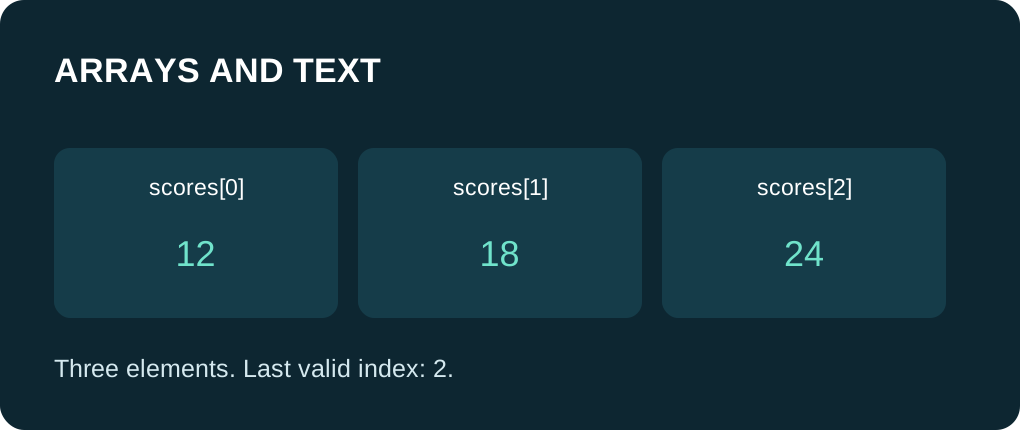 Reference GuideBeginner
ESP32 Arrays and Strings: Group Values and Handle Text
Learn ESP32 Arduino arrays, zero-based bounds, char buffers and String objects with a complete Serial example and explicit text-capacity checks.
Read Guide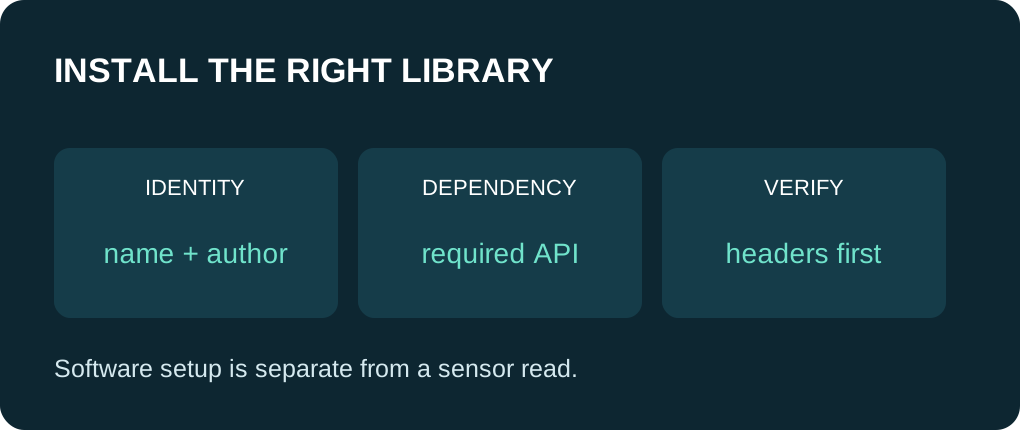 Reference GuideBeginner
Install Arduino Libraries for ESP32: Names, Versions and Dependencies
Install the right ESP32 Arduino library, check its author and dependencies, and diagnose missing headers with a complete USB-only header probe.
Read Guide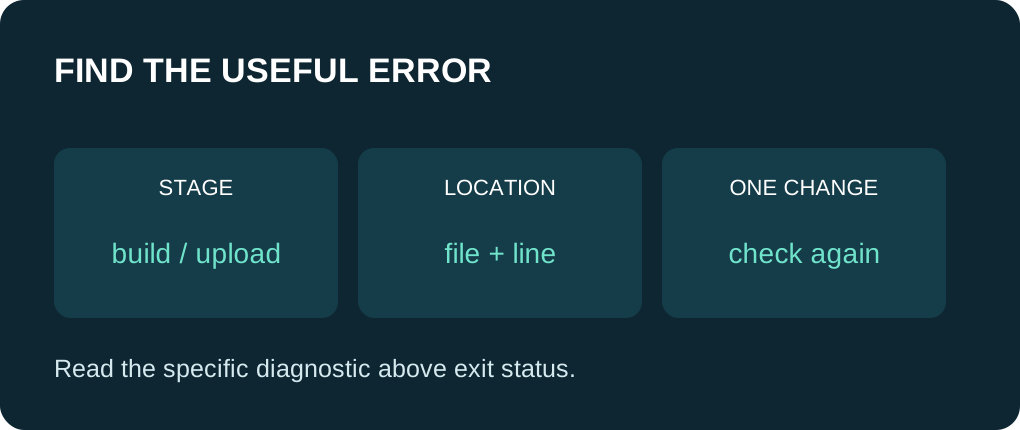 Reference GuideBeginner
ESP32 Compiler Errors: Find the First Useful Diagnostic
Read ESP32 Arduino compiler messages, separate build failures from upload faults, and fix scope, syntax and dependency problems one change at a time.
Read Guide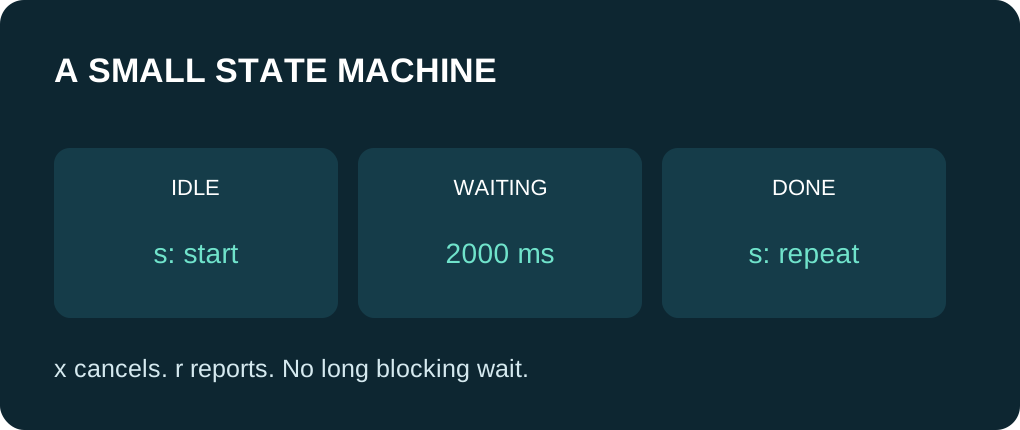 Reference GuideBeginner
ESP32 State Machines: Respond While a Timer Runs
Build a small ESP32 state machine with named states, Serial commands and millis() timing, without a long delay holding up the sketch.
Read GuideReference GuideBeginnerInstall Arduino IDE for ESP32 and Upload Your First Sketch
Install Arduino IDE 2, add the official esp32 board package, choose your board and port, then upload a Serial-only sketch. This first test needs no sensor, e…
Read Guide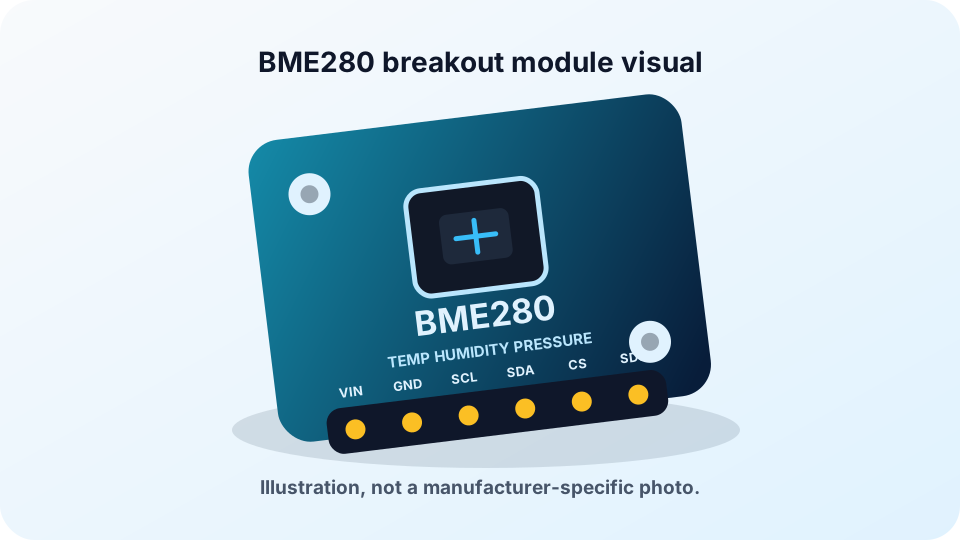 Reference GuideBeginner to Intermediate
ESP32 BME280: Complete Guide to Wiring, Code & Sensor Data
Connect a BME280 to an ESP32 over I2C, install the Arduino library, and run a complete sketch that prints temperature, relative humidity, barometric pressure…
Read GuideReference GuideBeginnerESP32 DHT11 Reference: Pinout, Wiring and Troubleshooting
Build a dependable ESP32 temperature-and-humidity reader with the DHT11. Identify the sensor pins, wire a bare sensor or module safely, install the Arduino l…
Read Guide Reference GuideBeginner
DHT22 vs BME280 with ESP32: Differences, Wiring, Accuracy & Which Sensor to Choose
Choose by the measurements your project needs: DHT22 is a simpler temperature-and-humidity sensor, while BME280 adds barometric pressure and supports I2C or…
Read Guide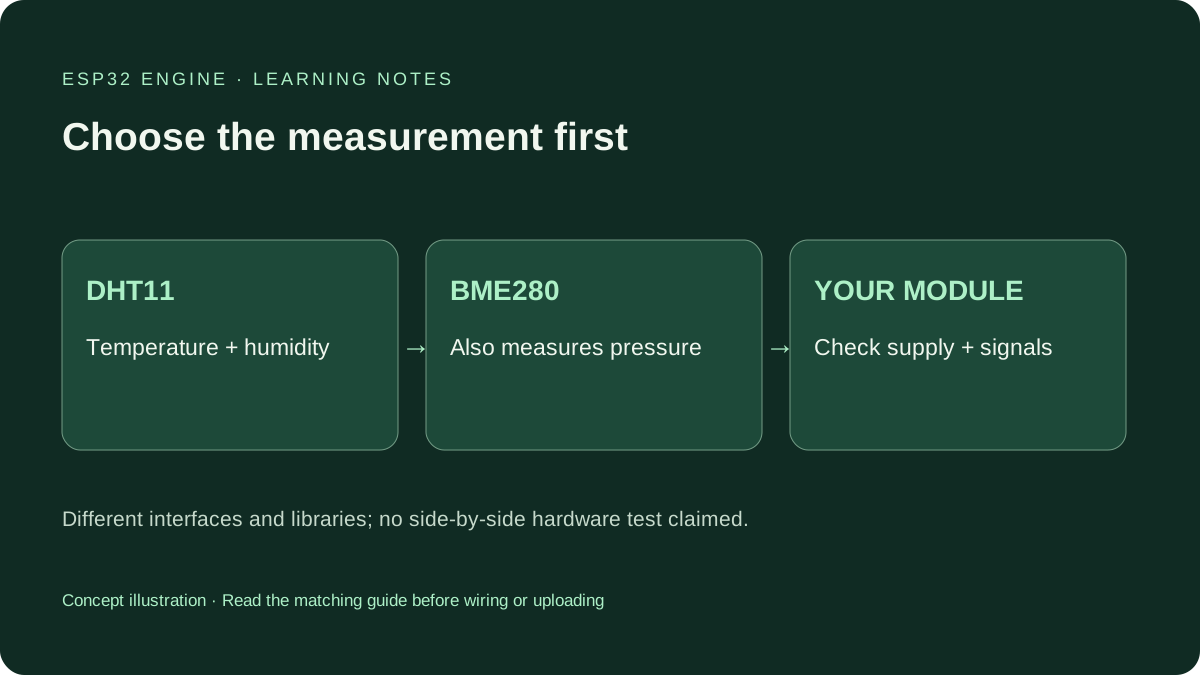 Reference GuideBeginner
DHT11 vs BME280 with ESP32: Which Sensor Fits Your Build?
Compare DHT11 and BME280 for ESP32 room monitors and weather projects. Choose by measurements, wiring, sampling and the sensor you own.
Read Guide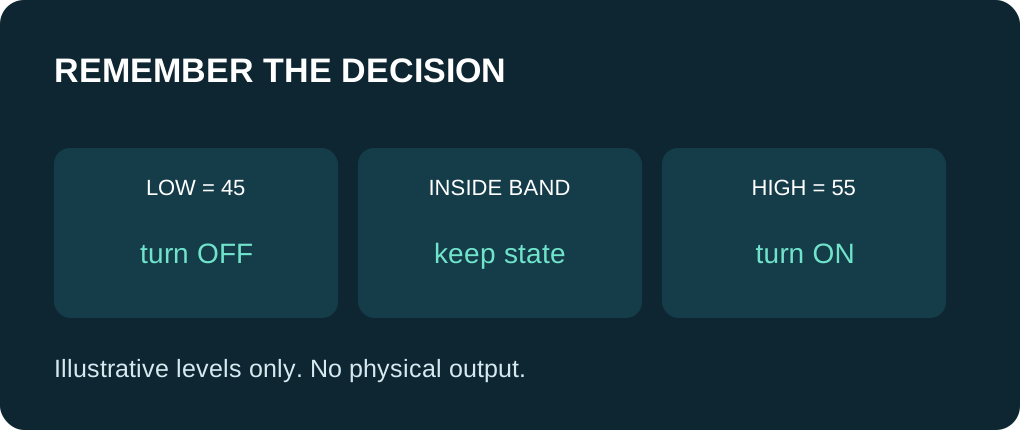 Reference GuideBeginner
ESP32 Sensor Thresholds and Hysteresis: Stop Rapid Toggling
Use two thresholds and remembered state in ESP32 code. Trace fixed sample values, handle invalid input and separate hysteresis from smoothing.
Read Guide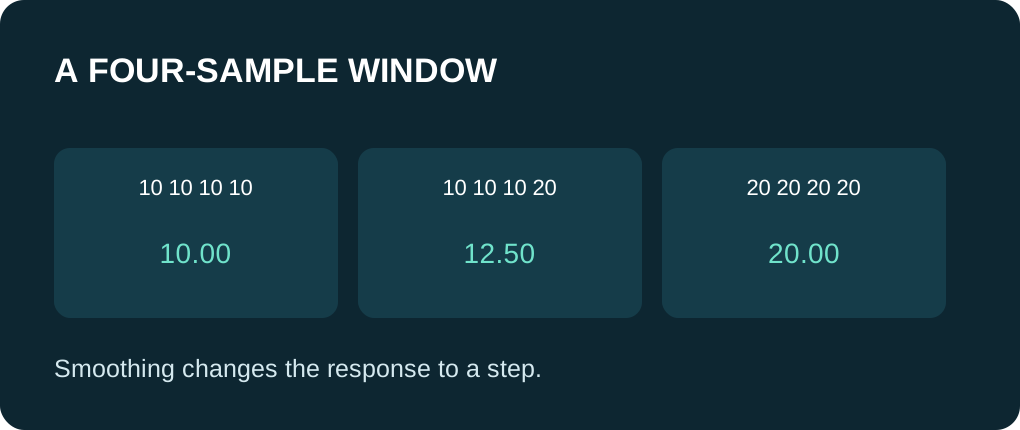 Reference GuideBeginner
ESP32 Moving Average: Smooth Values Without Hiding the Tradeoff
Build a bounded ESP32 moving average with a ring buffer, correct warm-up count and invalid-input checks. Compare raw and averaged illustrative values.
Read Guide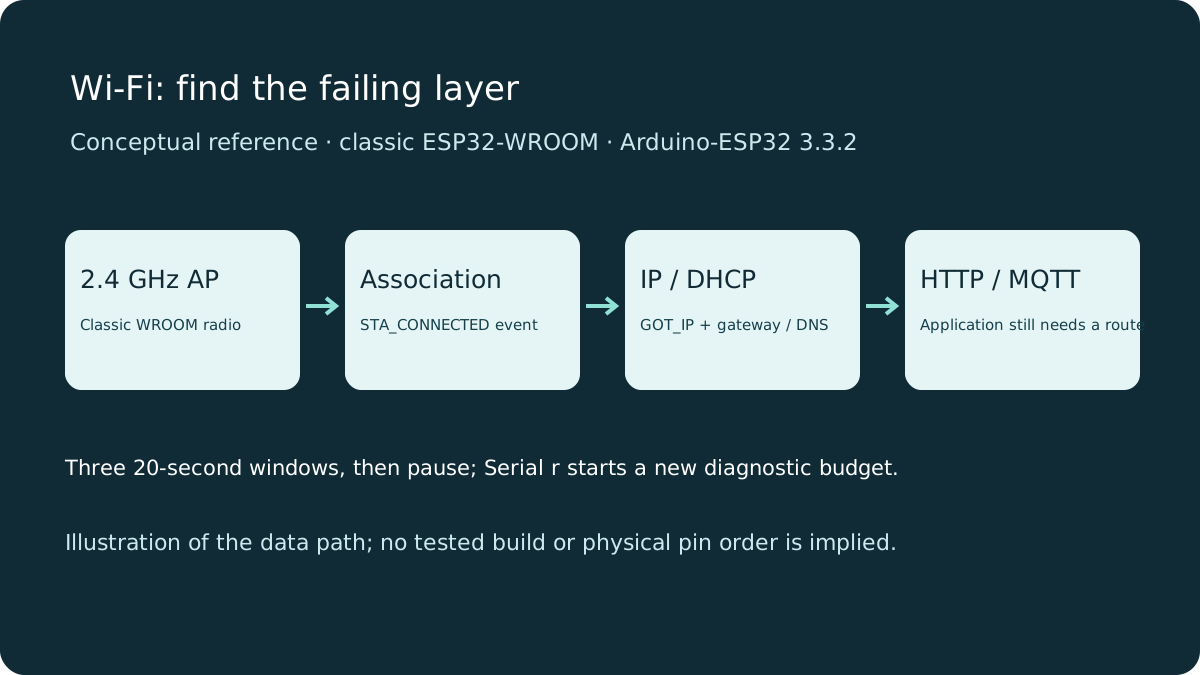 Reference GuideIntermediate
ESP32 Wi-Fi Troubleshooting: Events, IP and Bounded Retries
Diagnose classic ESP32 Wi-Fi by separating radio association, IP allocation and application failures. Use a bounded Serial diagnostic sketch before debugging…
Read Guide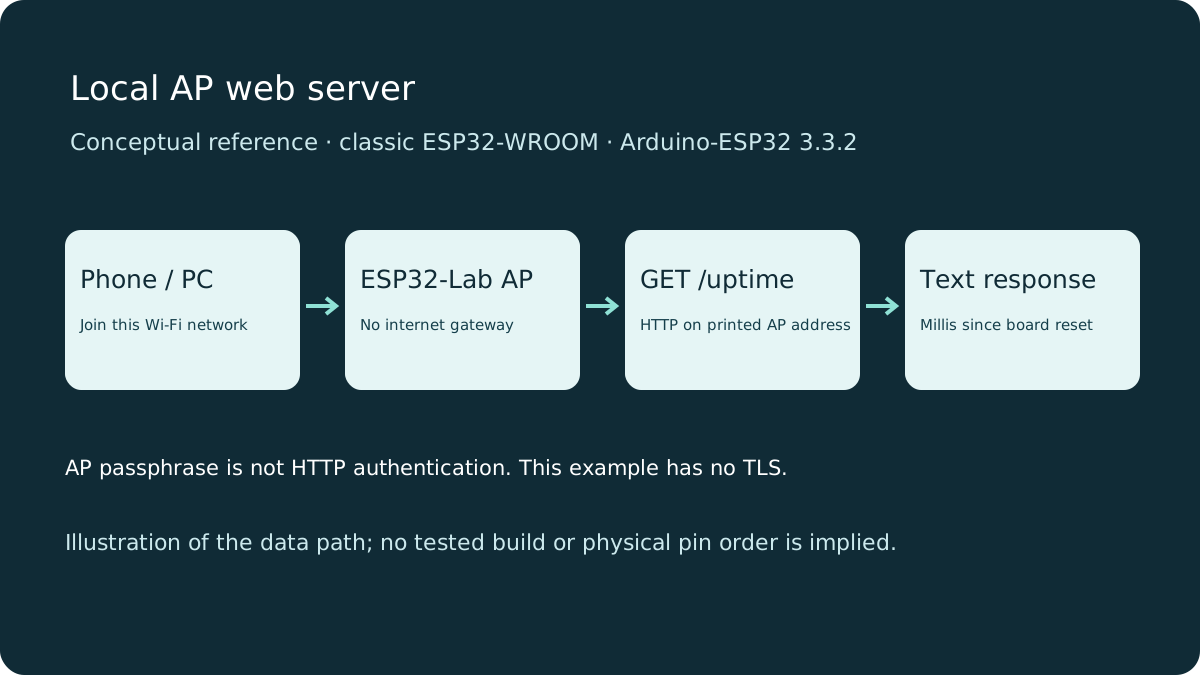 Reference GuideIntermediate
Basic ESP32 Web Server: A Local Access-Point Example
Serve a page and an uptime route from a classic ESP32 access point. Connect directly to the board, use its printed HTTP address and learn the limits of this…
Read Guide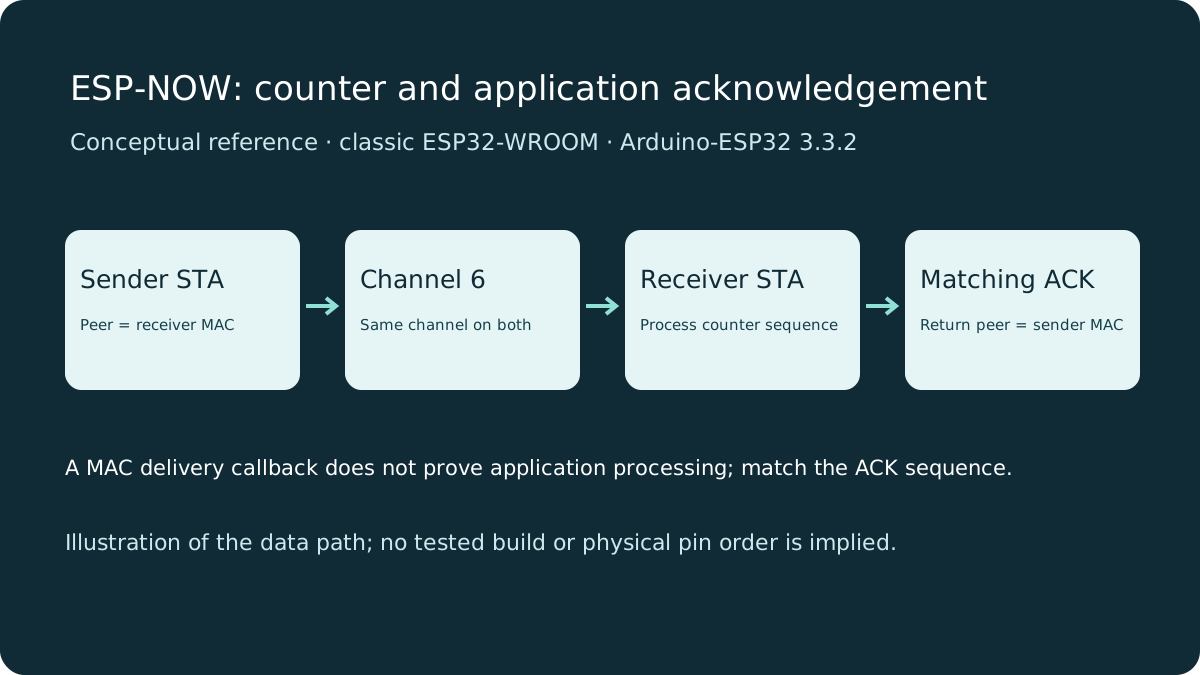 Reference GuideIntermediate
ESP-NOW with ESP32: Complete Sender, Receiver and Application ACK
Send a counter between two classic ESP32 boards on one fixed channel. Set station MAC peers and distinguish local queueing, MAC delivery status and a matchin…
Read Guide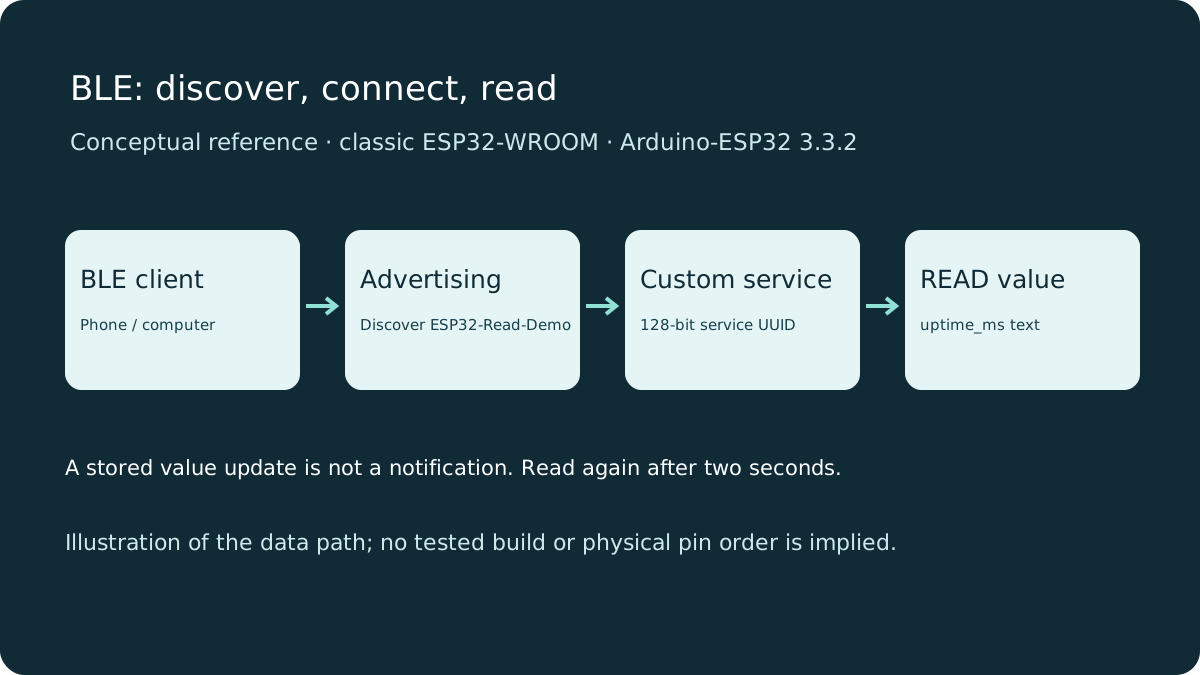 Reference GuideIntermediate
ESP32 BLE Fundamentals: Services, UUIDs and a Readable Characteristic
Connect a BLE client to a classic ESP32 and read an uptime characteristic. Learn services, UUIDs, read properties and why advertising is different from conne…
Read Guide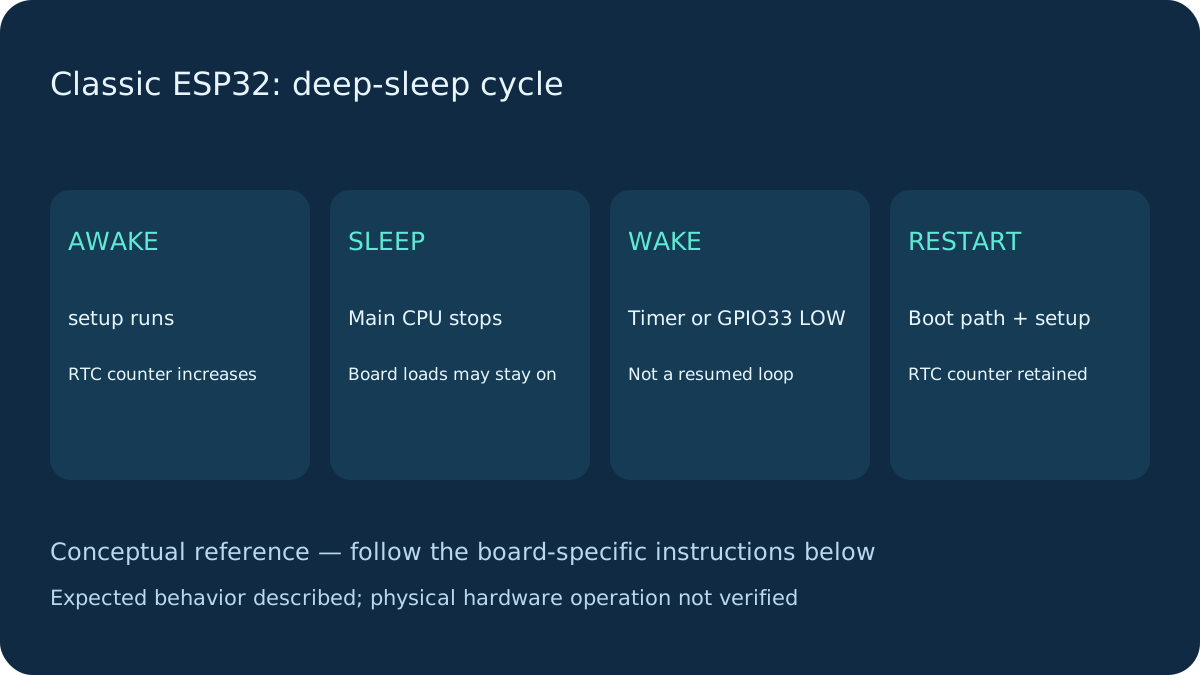 Reference GuideIntermediate
ESP32 Deep Sleep: Timer, Button Wake and Retained State
Wake a classic ESP32 from a ten-second timer or GPIO33 button. Understand restart behavior, RTC state and why a powered DevKit is not a chip-current measurem…
Read Guide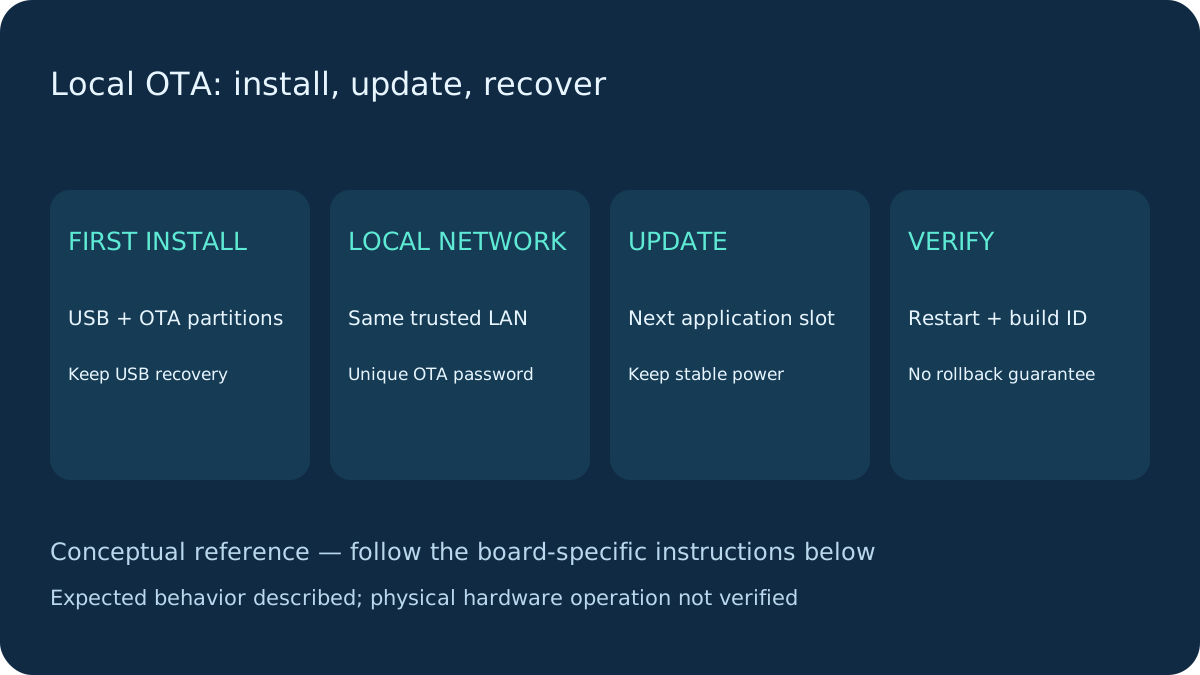 Reference GuideIntermediate
ESP32 OTA Updates: First USB Upload and Local Recovery
Install a complete ArduinoOTA sketch by USB, then update it on a trusted local network. Check OTA partitions, password authentication and USB recovery limits.
Read Guide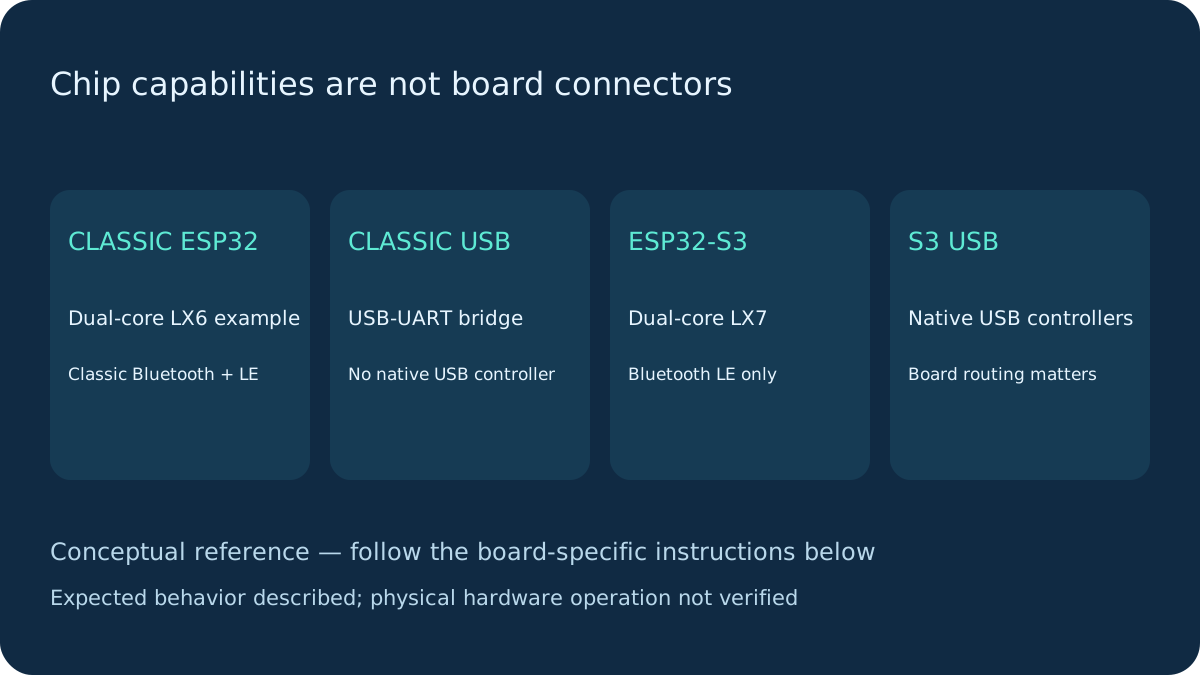 Reference GuideIntermediate
Classic ESP32 versus ESP32-S3: Chip and Board Differences
Compare CPU, Bluetooth, USB and GPIO capabilities before choosing a board. A shared ESP32 name does not make classic pin maps or USB workflows portable.
Read Guide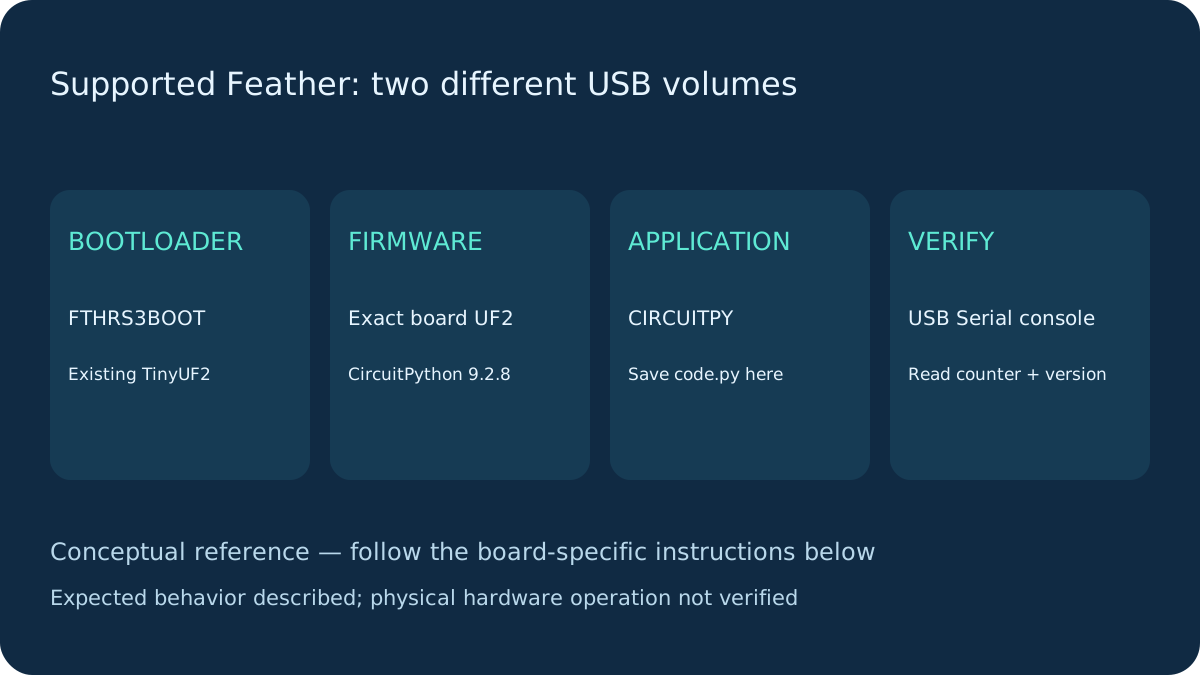 Reference GuideIntermediate
CircuitPython Setup: ESP32-S3 Feather with Native USB
Install CircuitPython 9.2.8 on the Adafruit Feather ESP32-S3 4 MB Flash / 2 MB PSRAM. Use its UF2 bootloader, CIRCUITPY drive and Serial-only first program.
Read Guide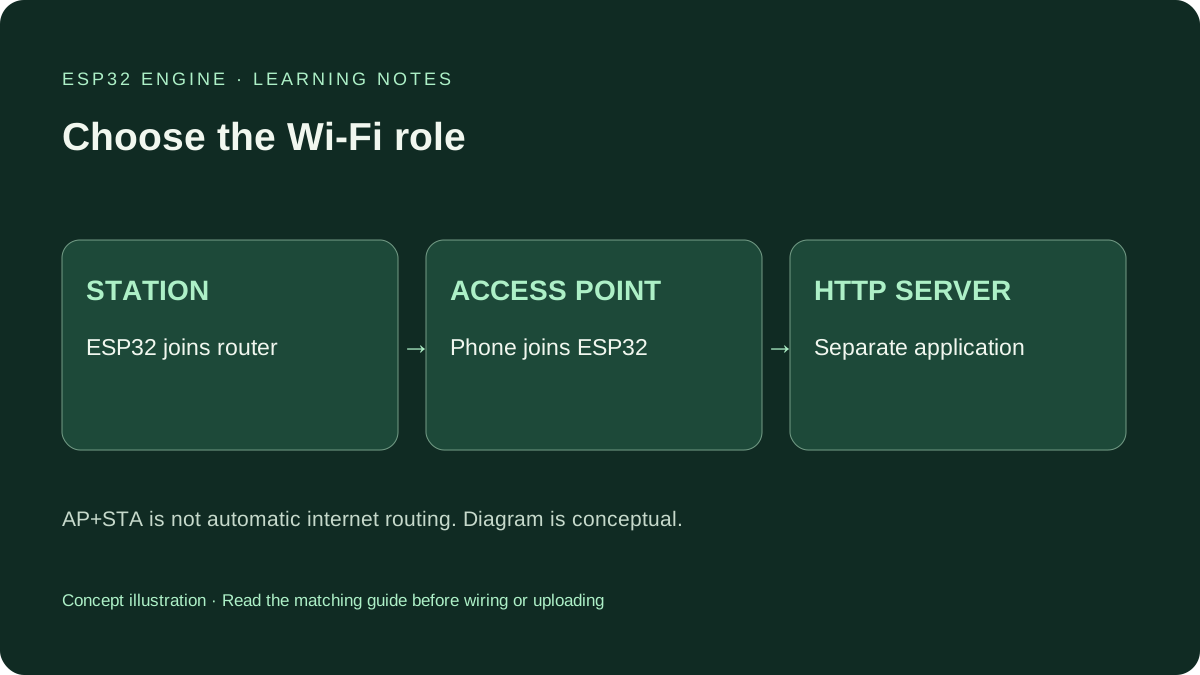 Reference GuideBeginner
ESP32 Access Point vs Station Mode: Choose Your Wi-Fi Setup
Understand ESP32 AP, station and AP+STA modes. Run a complete mode-selection sketch, identify the correct IP interface and separate Wi-Fi from internet access.
Read Guide