
Before you start
- Hardware
- Classic ESP32-WROOM DevKit, USB data cable and computer. No external sensor or output circuit for this exercise.
- Software baseline
- Arduino IDE 2; Arduino-ESP32 3.3.2; DHT sensor library by Adafruit 1.4.6 and Adafruit Unified Sensor 1.1.15 are the reviewed reference versions, not latest-release claims.
- Before this lesson
- Complete the first Serial-only upload. For the logic lessons, read the variables, decisions, loops and functions references first.
- Your goal
- Record the library identity and version, resolve its required headers and distinguish installation from sensor verification.
- Verification limits
- Documentation/API and local content/browser review only. No sketch compilation, board upload or physical hardware test was performed for this lesson.
Separate board support from an extra library
The ESP32 board package supplies the core and board definitions used to build your sketch. A library adds a particular API, such as DHT sensor access. Installing a sensor library does not install the ESP32 core, select your board, choose a USB port or connect the physical sensor.
The reference exercise uses the DHT library already relevant to this site’s DHT11 guides. It only includes headers and prints a type size; it never creates a DHT instance, calls begin(), reads a pin or measures temperature. Its purpose is to separate a missing software dependency from a sensor wiring problem.
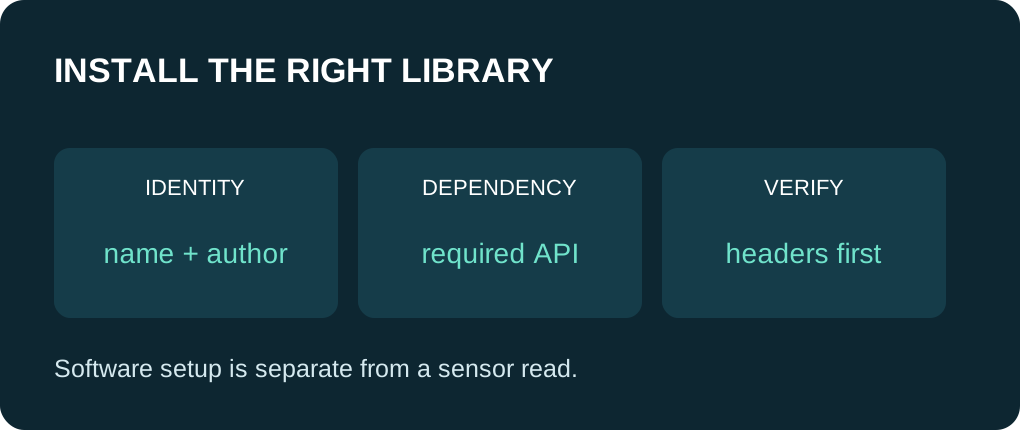
Write down exactly what you intend to install
| Item | Reviewed reference | Role |
|---|---|---|
| Board package | esp32 by Espressif Systems, 3.3.2 | Core and board support; managed separately. |
| Library | DHT sensor library by Adafruit, 1.4.6 | Provides DHT.h; not a similarly named package. |
| Dependency | Adafruit Unified Sensor, 1.1.15 | Provides Adafruit_Sensor.h. |
| Hardware lesson | DHT11 guide | Only needed when progressing to a real sensor read. |
Install through Library Manager
In Arduino IDE 2, open Tools > Manage Libraries, or use the Library Manager sidebar. Search the exact library name, check its author and More info link, and select the reference version when reproducing this exercise. Install the library and its required dependency. Record the versions actually installed if you choose a different release.
After installation, open File > Examples and look under the library name if examples are included. Treat those examples as starting points with their own board, sensor and wiring assumptions. Do not upload a DHT22-configured example to a DHT11 circuit without matching the actual type and wiring.
Use a ZIP only when its identity is clear
For an author-provided release ZIP, use Sketch > Include Library > Add .ZIP Library and choose the library archive. A whole project download can contain nested libraries or unrelated files; it is not necessarily a valid library ZIP. Prefer the Library Manager entry when it already supplies the intended release.
Avoid installing duplicate copies in several locations while debugging. Before replacing a manually installed copy, preserve any changes you made and note its location. A folder in your sketchbook can take precedence over another installed copy. Repeating installation without checking the selected path can leave the same mismatch in place.
Interpret this small probe correctly
The complete sketch includes DHT.h and Adafruit_Sensor.h, then asks sizeof(sensor_t) for a type supplied by Unified Sensor. The returned size depends on the target ABI; there is deliberately no hard-coded expected byte count. If a later Verify on your computer succeeds, those headers were resolved for that build.
The printed marker, if you upload and run the sketch yourself, confirms reaching setup(). It does not prove the DHT driver reads successfully, nor does it test every driver symbol or API. For an actual temperature/humidity measurement, continue to the complete DHT11 guide and its exact electrical assumptions.
Follow the selected file, not just the package name
A missing DHT.h points toward the wrong library identity, unavailable installation or spelling. A missing Adafruit_Sensor.h points toward the dependency. If the output lists multiple matching libraries, inspect the Used path; that informational message alone is not necessarily an error. Keep the complete diagnostic when the build fails.
Practice: note IDE version, board/core version, both library versions and the selected library path in a small project record. Keep a working example before changing a dependency. This makes a later “no member named …” error easier to compare with the API version the guide actually uses.
Use one complete example
Save this full sketch as library_headers_demo.ino, select your exact ESP32 board and port, and use Verify before Upload. Open Serial Monitor at 115200 baud after upload; press EN/reset if you missed startup text. Install the two stated Adafruit library reference versions before Verify; a sensor is not required for this probe. The example uses no GPIO wiring. The stated results are predictions from source, not a recorded board run.
Wiring and matching Arduino code
Complete USB and Serial-only example
USB only; no GPIO wiring. Serial Monitor: 115200 baud.
library_headers_demo.ino
#include <Arduino.h>
#include <DHT.h>
#include <Adafruit_Sensor.h>

void setup() {
  Serial.begin(115200);
  delay(1000);
  Serial.println("Library header probe reached setup");
  Serial.print("sensor_t bytes on this target: ");
  Serial.println(sizeof(sensor_t));
  Serial.println("No sensor read or GPIO operation performed");
}

void loop() {
  delay(10);
}
Expected behavior in this guide is a source walkthrough. No firmware compilation or physical board upload was performed for this lesson.
Continue your learning path
Next steps
Record the exact dependency set, then keep installation checks separate from hardware diagnosis.
FAQ
No. This probe does not construct or run a sensor driver. Follow the separate wiring and measurement guide for that.
No. Match the intended author, API and required dependencies, then inspect the library actually selected by the build.
Technical references
- Arduino library installation — Library Manager, ZIP installation and included examples.
- Adafruit DHT 1.4.6 metadata — Exact library name, version and declared dependency.
- Adafruit Unified Sensor 1.1.15 header — sensor_t type used by the probe.
- Arduino multiple-library message — Check which matching copy was selected.
- Arduino-ESP32 3.3.2 Print interface — Formatting API baseline; no firmware execution claim.