
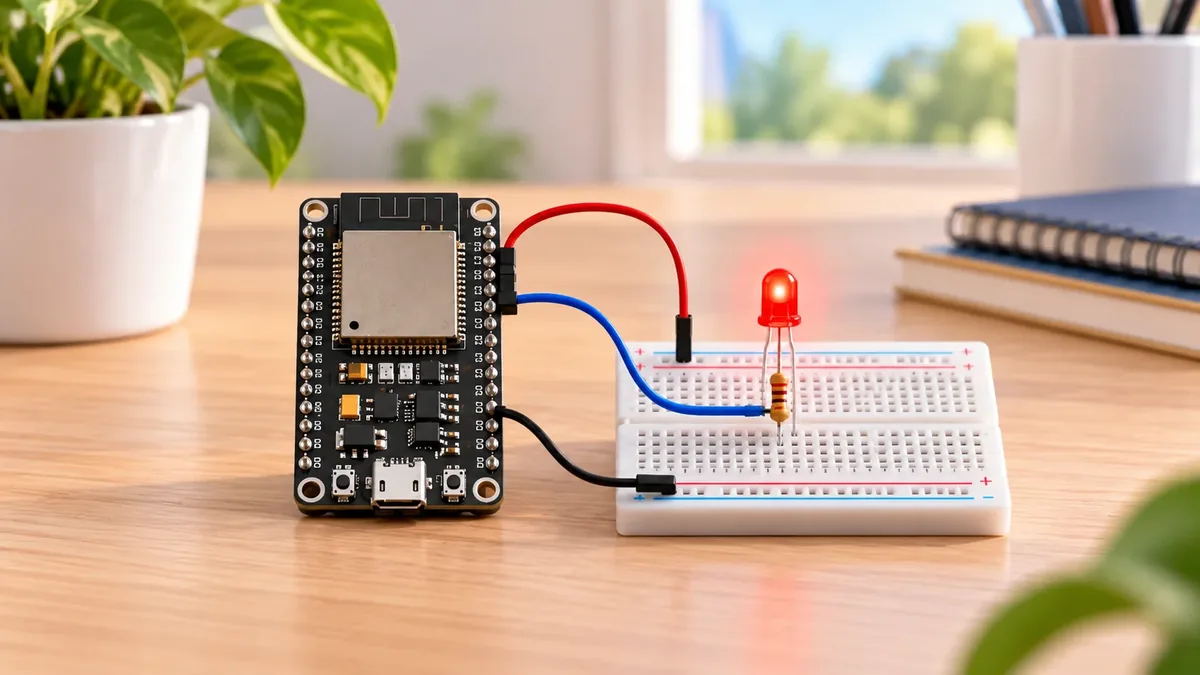
Make Your First Light Blink!
The Story
You're the captain of a tiny spaceship — the ESP32.
Right now every light on your ship is off. Mission Control is waiting for a sign you're online.
Your first command? Turn on one small LED. When it blinks, you'll know your ship heard you — and you're officially a maker.
Explain Like I'm 12
- An LED is a tiny light on a chip.
- Your ESP32 is the brain — it has pins you connect wires to.
- Power on → LED glows. Power off → LED goes dark.
- Blink on, blink off — that's your first program!
Mission Goal
The LED blinks on and off under ESP32 code control.
Estimated Time
10-15 min
Difficulty
Beginner
Prerequisites
Skills You'll Learn
- Use an ESP32 GPIO as a digital output
- Wire an LED safely with a resistor
- Upload an Arduino sketch to ESP32
- Understand setup(), loop(), HIGH, LOW, and delay()
Components Required
- ESP32 DevKit boardAny board with a USB port
- LEDAny color — 5 mm works great
- 220 Ω resistorRed-red-brown stripes on the body
- BreadboardHalf-size is perfect
- Jumper wiresMale-to-male, at least 3
- USB cableMust carry data — not charge-only
How Does Blinking Work?
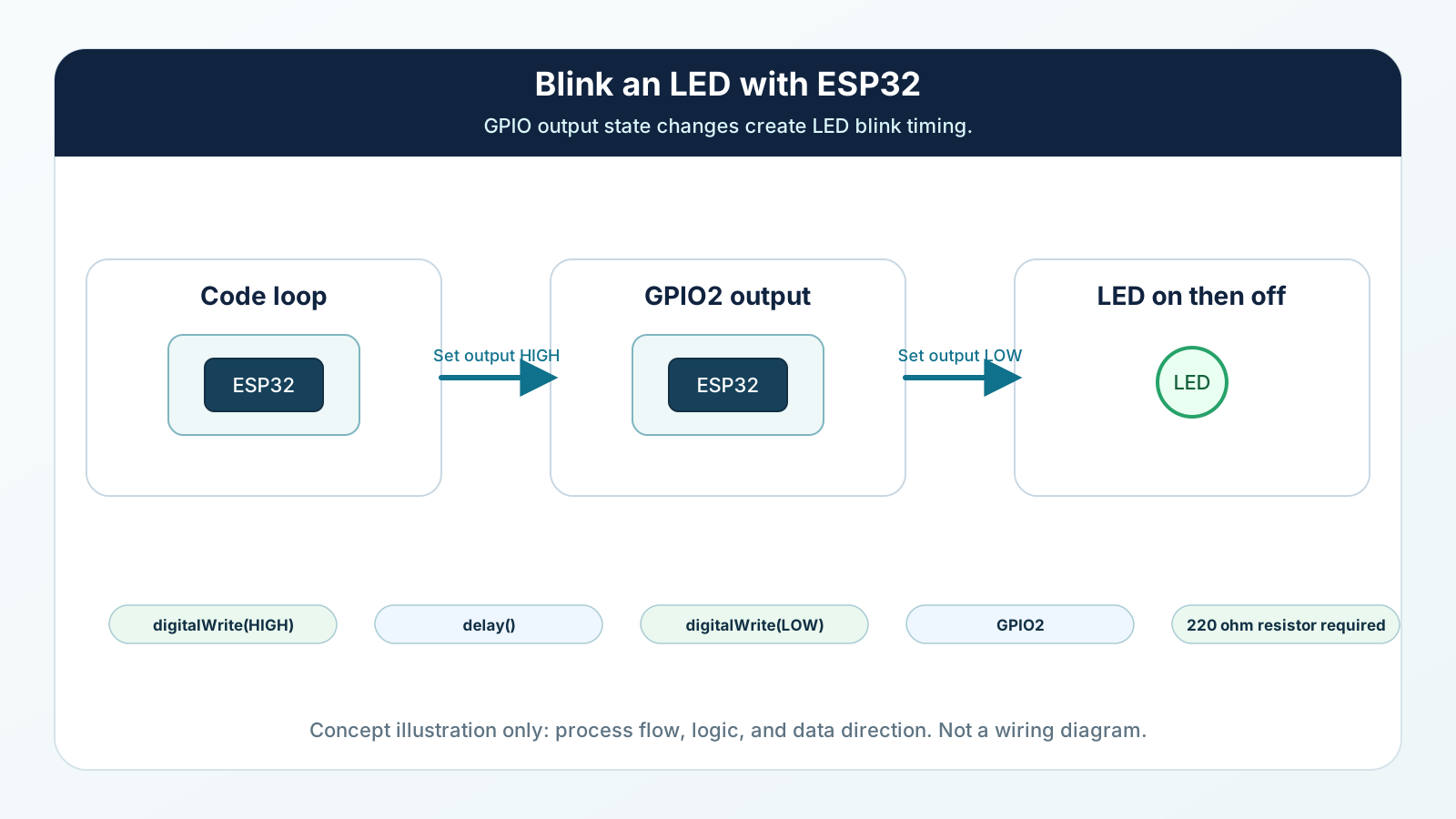
- Each pin on the ESP32 can be ON or OFF — these are called GPIO pins.
- The resistor protects the LED from too much power — like a speed bump for electricity.
- setup() runs once and tells the pin to be an output.
- loop() repeats forever — turn on, wait, turn off, wait. That's the blink!
Engineering Explanation
- Each pin on the ESP32 can be ON or OFF — these are called GPIO pins.
- The resistor protects the LED from too much power — like a speed bump for electricity.
- setup() runs once and tells the pin to be an output.
- loop() repeats forever — turn on, wait, turn off, wait. That's the blink!
Real-World Analogy
- An LED is a tiny light on a chip.
- Your ESP32 is the brain — it has pins you connect wires to.
- Power on → LED glows. Power off → LED goes dark.
- Blink on, blink off — that's your first program!
Wiring Diagram
Follow these steps in order. Unplug USB before you change any wires.

-
1
Unplug USB. Place the ESP32 on the left and the breadboard on the right.
-
2
Push the LED into the breadboard — long leg (+) in one row, short leg (−) in a different row.
-
3
Connect GPIO 2 on the ESP32 to one end of the 220 Ω resistor (yellow wire).
-
4
Connect the other end of the resistor to the same row as the LED's long leg (+).
-
5
Connect the LED's short leg (−) row to GND on the ESP32 (black wire).
-
6
Double-check — GPIO 2 → resistor → long leg → LED → short leg → GND.
-
7
Plug in USB and upload the code. Watch your LED blink!
GPIO Table
| Signal | ESP32 Pin | Mode | Notes |
|---|---|---|---|
| LED output | GPIO2 | OUTPUT | Sends HIGH to turn the LED on and LOW to turn it off. |
| LED current path | GPIO2 through 220 ohm resistor | Current limited output | The resistor protects the LED and ESP32 pin from too much current. |
| Ground return | GND | Ground | Completes the circuit so current can return to the ESP32. |
Arduino Code
Copy this into Arduino IDE, then click Upload.
#define LED_PIN 2

void setup() {
  pinMode(LED_PIN, OUTPUT);
}

void loop() {
  digitalWrite(LED_PIN, HIGH);
  delay(500);
  digitalWrite(LED_PIN, LOW);
  delay(500);
}- setup() runs once — it tells the ESP32 that pin 2 is an output.
- loop() runs forever — turn the LED on, wait half a second, turn off, wait again.
- Try changing 500 to 200 for fast blinks or 1000 for slow ones.
Line-by-line Explanation
- setup() runs once — it tells the ESP32 that pin 2 is an output.
- loop() runs forever — turn the LED on, wait half a second, turn off, wait again.
- Try changing 500 to 200 for fast blinks or 1000 for slow ones.
Expected Behaviour
- The LED turns on for half a second, then off for half a second — over and over.
- Many DevKit boards also blink a tiny onboard LED near the USB port — that's normal!
If nothing happens, check that your wire goes to GPIO 2 and the long LED leg connects to the resistor.
Common Mistakes
LED does not turn on
The LED may be backwards, the wire may be on the wrong GPIO, or the resistor may not share the same row as the LED long leg.
LED is very dim
The resistor value may be too large or the LED may not be fully seated in the breadboard.
Upload succeeds but nothing blinks
Some boards do not connect the onboard LED to GPIO2, or the external LED wiring is incomplete.
Upload fails
The wrong board, wrong port, or a charge-only USB cable is selected.
Troubleshooting
Most ESP32 problems are wiring, power, library, or timing issues. Check these first.
LED does not turn on
Likely cause: The LED may be backwards, the wire may be on the wrong GPIO, or the resistor may not share the same row as the LED long leg.
Fix: Confirm the code uses GPIO2, connect GPIO2 to the resistor, connect the resistor to the LED long leg, and connect the short leg to GND.
LED is very dim
Likely cause: The resistor value may be too large or the LED may not be fully seated in the breadboard.
Fix: Use a 220 ohm to 330 ohm resistor and press the LED and resistor legs firmly into separate breadboard rows.
Upload succeeds but nothing blinks
Likely cause: Some boards do not connect the onboard LED to GPIO2, or the external LED wiring is incomplete.
Fix: Use the external LED circuit from the wiring diagram and check the exact GPIO label on your board.
Upload fails
Likely cause: The wrong board, wrong port, or a charge-only USB cable is selected.
Fix: Select the ESP32 board and port in Arduino IDE, then try a known data-capable USB cable.
Engineer Tip
Before blaming the code, trace the physical circuit with your finger. GPIO2 should go to the resistor, the resistor should go to the LED long leg, and the LED short leg should return to GND.
Remember This Forever
A GPIO output is a controllable decision. HIGH means the ESP32 drives the pin toward 3.3 V. LOW means the ESP32 drives the pin toward GND. The LED only lights when the circuit has a complete path from the GPIO pin, through the resistor and LED, back to GND.
Mini Challenge
No wrong answers — experiment and have fun!
- Blink faster — change delay(500) to delay(200).
- Blink slower — try delay(1000) for a calm, slow pulse.
- Blink SOS — three short, three long, three short.
- Invent your own pattern — can you make a heartbeat or a disco flash?
FAQs
Why does the LED need a resistor?
The resistor limits current. Without it, too much current can flow through the LED and possibly damage the LED or the ESP32 GPIO pin.
Which ESP32 pin should I use for the blink mission?
This mission uses GPIO2 because many ESP32 DevKit boards expose it clearly and often connect it to an onboard LED. You can use another safe output pin later if you update the code and wiring together.
What does HIGH mean in the blink code?
HIGH tells the ESP32 to drive the output pin toward 3.3 V. In this circuit, that lets current flow through the resistor and LED, so the LED turns on.
What does LOW mean in the blink code?
LOW tells the ESP32 to drive the output pin toward GND. With no voltage pushing current through the LED, the LED turns off.