
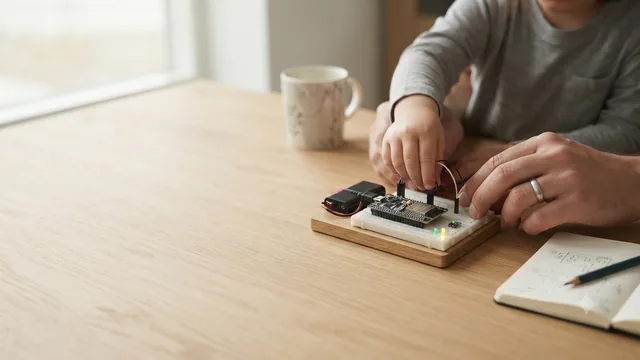
45-Minute Starter Missions
Begin with short labs for setup, GPIO, sensors, displays, and debugging habits.
Browse missions ->For teachers
Guided missions, safe starter projects, and classroom routines for hands-on STEM learning. Free for educators worldwide.
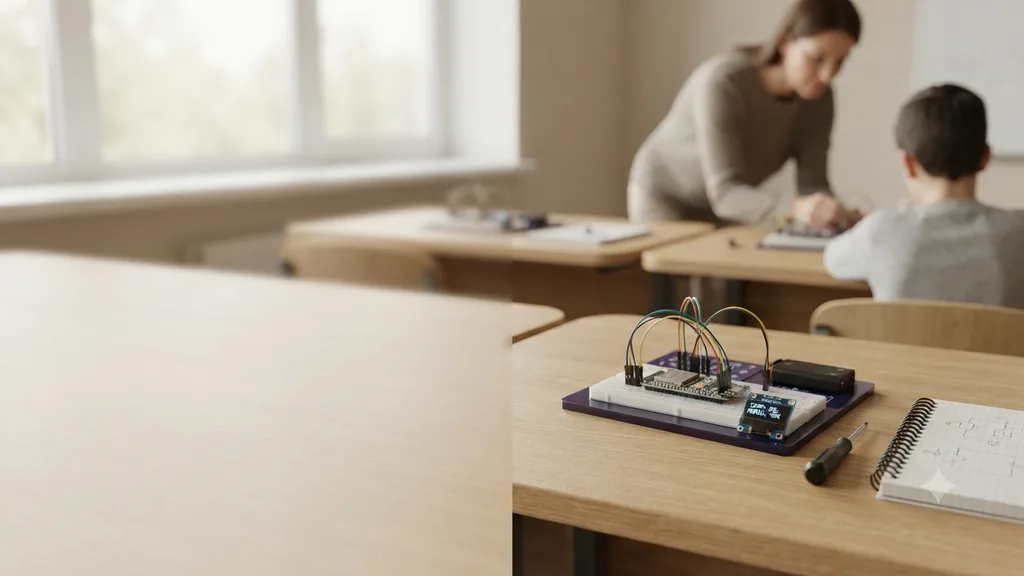
Begin with short labs for setup, GPIO, sensors, displays, and debugging habits.
Browse missions ->Choose fully reviewed classroom projects with wiring, code, testing, troubleshooting, safety notes, and FAQs.
Browse projects ->Use the trainer project for GPIO practice, pin checks, team roles, and a short final demo.
Open trainer ->Students understand circuits, read code, connect sensors, explain data flow, and build confidence in STEM.
Supports computational thinking, measurement, engineering design, debugging, data literacy, and teamwork.
Find the ESP32 pinout, setup guide, project wiring tables, parent guide, and classroom safety links.
Open resources ->Classroom roadmap
Install tools, identify pins, upload the first sketch.
Read temperature, humidity, distance, or motion.
Show useful data on Serial Monitor or OLED.
Demo the build, explain the wiring, and reflect on improvements.
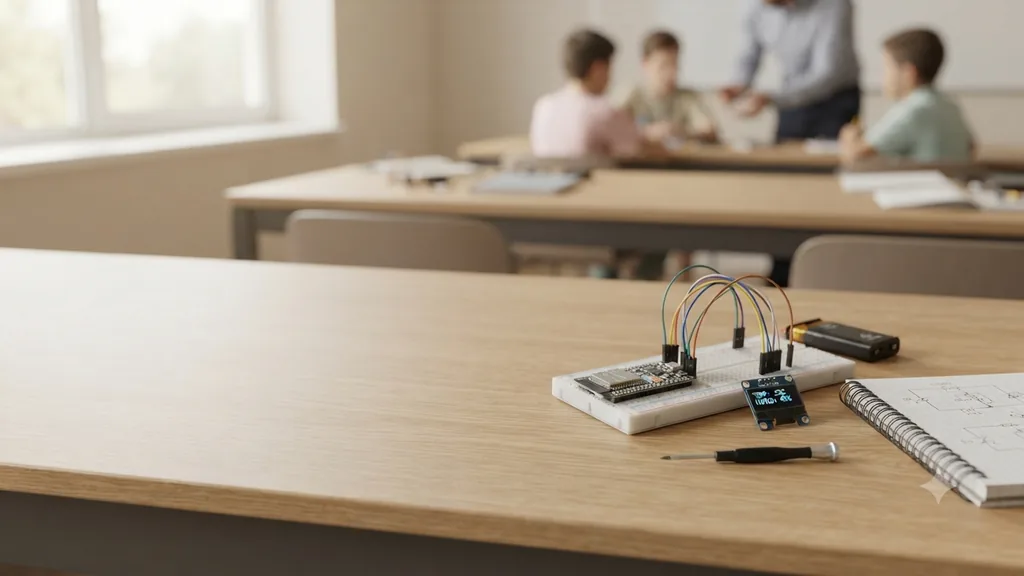
Use missions as short lab starters. Students read the mission, build the circuit, run the code, then explain one thing they changed or debugged.
Ask why the circuit needs ground, what HIGH and LOW mean, what could fail, and how students proved the hardware worked.
Keep MCQs teacher-led: 3 to 5 checks after a lab, focused on wiring, code meaning, safety, and troubleshooting.
Combine a short concept quiz, one wiring interpretation task, one code reading task, and a small improvement proposal.
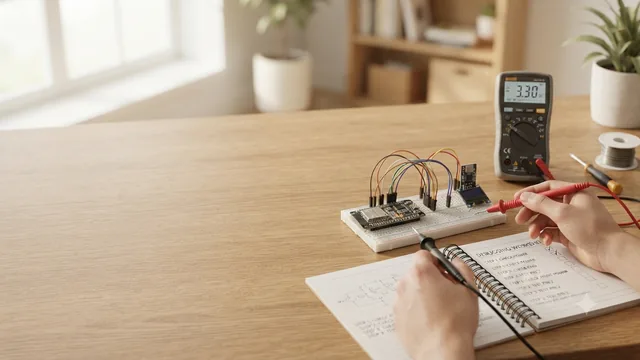
Grade whether the circuit is safe, the code uploads, Serial Monitor output matches expectations, and the student can explain the result.
Evaluate wiring safety, working behavior, code clarity, debugging notes, teamwork, explanation quality, and final demo confidence.
Use pin-label tables, predict-the-output prompts, wiring trace exercises, vocabulary boxes, and reflection questions.
Assign roles: wiring lead, code lead, test lead, and reporter. Rotate roles every mission so every student practices each skill.
Ask students to draw the circuit path, annotate three lines of code, list two mistakes, and propose one real-world use.
Assessment strategy
Mission pages stay focused on building: mini challenge, engineer tip, and one idea to remember. Deeper checks belong in teacher-led discussion, lab review, worksheets, and project demos.
Ask one prediction question and one safety check.
Observe wiring habits, debugging steps, and teamwork.
Use 3 short MCQs or a one-minute explanation.
Students present the problem, circuit, code, test result, and improvement idea.
Show the working build, identify the GPIO pins, explain the code loop, describe one bug fixed, and name one future improvement.
Confirm USB is unplugged before rewiring, GPIO uses 3.3 V logic, LEDs have resistors, and no power rail is shorted.
Do not grade speed. Reward careful wiring, clear reasoning, useful questions, and honest debugging notes.
Yes. Use pre-bagged components and start with guided missions such as Blink LED or Read Temperature.
No. The lessons introduce circuits, GPIO, and sensor readings progressively.
Yes. Teams of two or three work well: one wiring lead, one code lead, and one test/documentation lead.
No. Keep mission pages simple for normal learners. Use teacher-led MCQs, worksheets, lab checks, and presentations when assessment is needed.