
Before you start
- Hardware
- A documented DHT11 or BME280 module and its part documentation. No combined circuit is required for this comparison.
- Software baseline
- Arduino IDE 2 and Arduino-ESP32 3.3.2 for the stated classic ESP32 examples. This is an API review baseline, not a latest-version claim.
- Before this lesson
- Complete the Serial-only first upload in the Arduino IDE setup guide. Check your exact board family and selected port.
- Your goal
- Choose a sensor from the measurements needed, electrical compatibility and available hardware.
- Verification limits
- Documentation/API and local content/browser review only. No sketch compilation, board upload or physical hardware test was performed for this lesson.
Start with the measurement
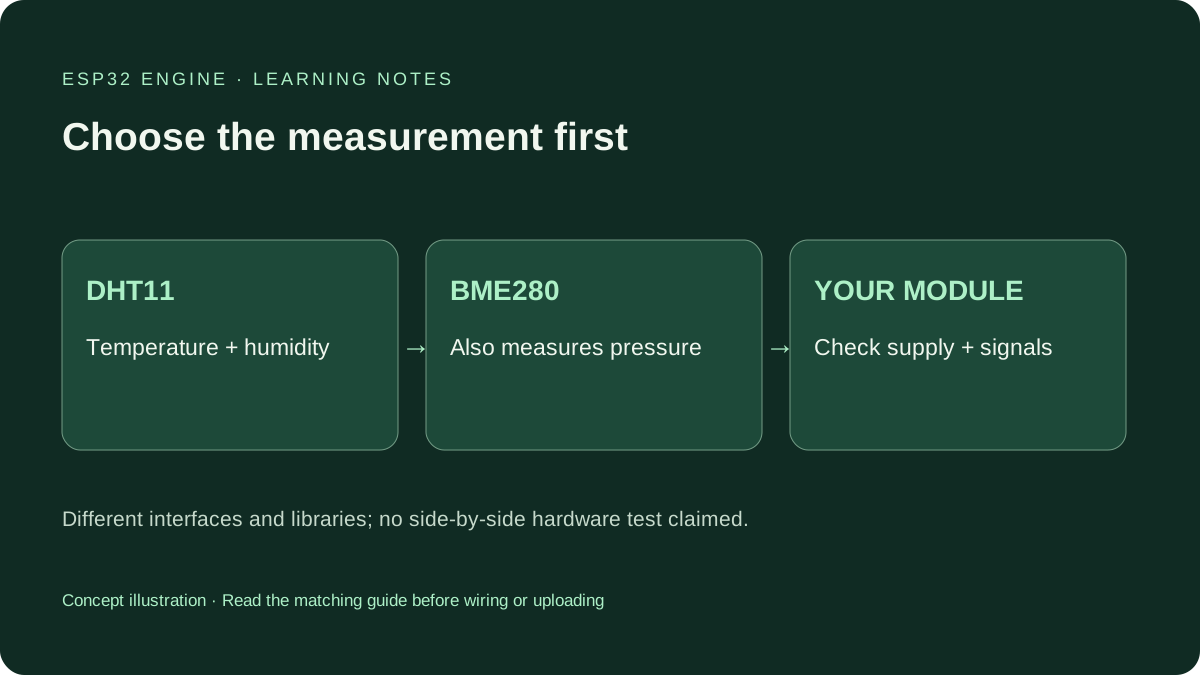
Own a DHT11 and want a first temperature-and-humidity lesson? Use that learning route; you need not buy a BME280 just to reproduce a screenshot. If barometric pressure is required, DHT11 cannot supply it. BME280 measures pressure as well as temperature and humidity. Neither directly measures carbon dioxide, air quality or rain.
This compares DHT11 with BME280. DHT22/AM2302 is a distinct part with different specifications, and its existing comparison remains separate. Colour and breakout shape are not reliable sensor identification.
Compare capabilities before code
| Question | DHT11 | BME280 |
|---|---|---|
| Measurements | Temperature and relative humidity | Temperature, humidity and pressure |
| Interface | One timed bidirectional DATA line; not I2C | I2C or SPI on the chip; follow the actual module |
| Site starter example | GPIO4 with the stated pull-up arrangement | I2C with explicit SDA/SCL and address checks |
| Altitude | No pressure measurement | Pressure-based estimate requiring a reference |
| Reading schedule | Respect the sensor manual and library separately | Choose sampling/filter settings for the application |
| Electrical compatibility | Documented 3.3 V-compatible part/module and DATA pull-up | Check module supply, pull-ups and signal levels |
The wiring patterns are different
The DHT11 lesson uses one DATA GPIO plus supply and ground. A bare sensor generally needs an external pull-up; a module may include it. A printed SDA label does not make this sensor I2C. Keep the data pull-up compatible with the ESP32 input.
The linked BME280 lesson uses I2C SDA and SCL, common ground and a compatible supply. Follow its chosen pins and the module labels. BME280 I2C addresses can be 0x76 or 0x77; scan and check the documented address setting. A similar BMP280 has no humidity measurement. Do not move wires on powered modules to discover a working arrangement.
Accuracy is not the number of decimal places
Accuracy describes agreement with a reference under specified conditions. Resolution describes output step size. Extra decimal places do not establish accuracy. The DHT11 manual and Bosch datasheet state their own conditions and limits; compare those conditions before applying a figure to a room or enclosure.
This article reports no side-by-side measured accuracy. BME280 may fit a richer environmental dashboard, but the assembled result depends on placement, actual sensor identity, configuration and calibration needs. A better-specified chip cannot eliminate heat from an ESP32 regulator placed beside it.
Do not sample as fast as loop() runs
Follow your actual DHT11 revision. The linked manual specifies more than two seconds between samples and recommends more than five seconds between reads for accurate data. The site reference uses six seconds. A library’s rapid-call cache is a separate rule, not permission to ignore sensor timing.
BME280 oversampling, filtering and operating mode affect conversion time and power. Reading a library value quickly does not prove a fresh conversion completed each time. Start from the documented example, record its configuration and choose a schedule appropriate to the application.
Keep pressure and altitude claims clear
The pressure sensor reports conditions at its location. A weather service can report sea-level-adjusted pressure, so its value need not match. BME280 altitude calculations combine pressure with an assumed sea-level reference. Weather changes can move that estimate even if the board stays still. It is not GPS altitude or an independent height measurement.
Keep both sensor types away from direct sun, warm electronics and breath while checking room conditions. Let them settle in the same environment before comparing trends. A classroom breakout is not automatically weatherproof because its project is called a weather station.
Choose an action from the parts you have
Have DHT11? Complete the Serial lesson and label its units and reading interval. Have BME280? Confirm identity, supply and I2C address before adding an OLED. Need pressure but own only DHT11? Practise temperature/humidity now and list pressure as a separate hardware requirement instead of inventing a value.
Use each sensor’s own complete code guide. There is no hybrid sketch here that pretends both models work by changing one DHT_TYPE constant. Diagnose model, wiring, library and timing before deciding that either technology is unreliable.
Continue your learning path
Next steps
Choose the measurements you need and the hardware you can identify. Follow the corresponding complete sensor guide.
FAQ
No. BME280 uses another interface and library. Use its own complete wiring and code guide.
No. Its measurements are temperature, relative humidity and pressure, not gas concentration or air-quality index.
Technical references
- Aosong DHT11 manual hosted by Seeed — Protocol, documented electrical revision and reading intervals.
- Bosch BME280 product information — Pressure, humidity and temperature capabilities.
- Bosch BME280 datasheet — Operating conditions, interfaces, sampling and accuracy qualifications.
- Adafruit DHT library 1.4.6 — Read caching is separate from sensor sampling.