
Learn · Build · Create
Your first ESP32
project starts here.
Clear guides, hands-on projects and practical knowledge to help you learn electronics and build with ESP32—even if you’re just getting started.
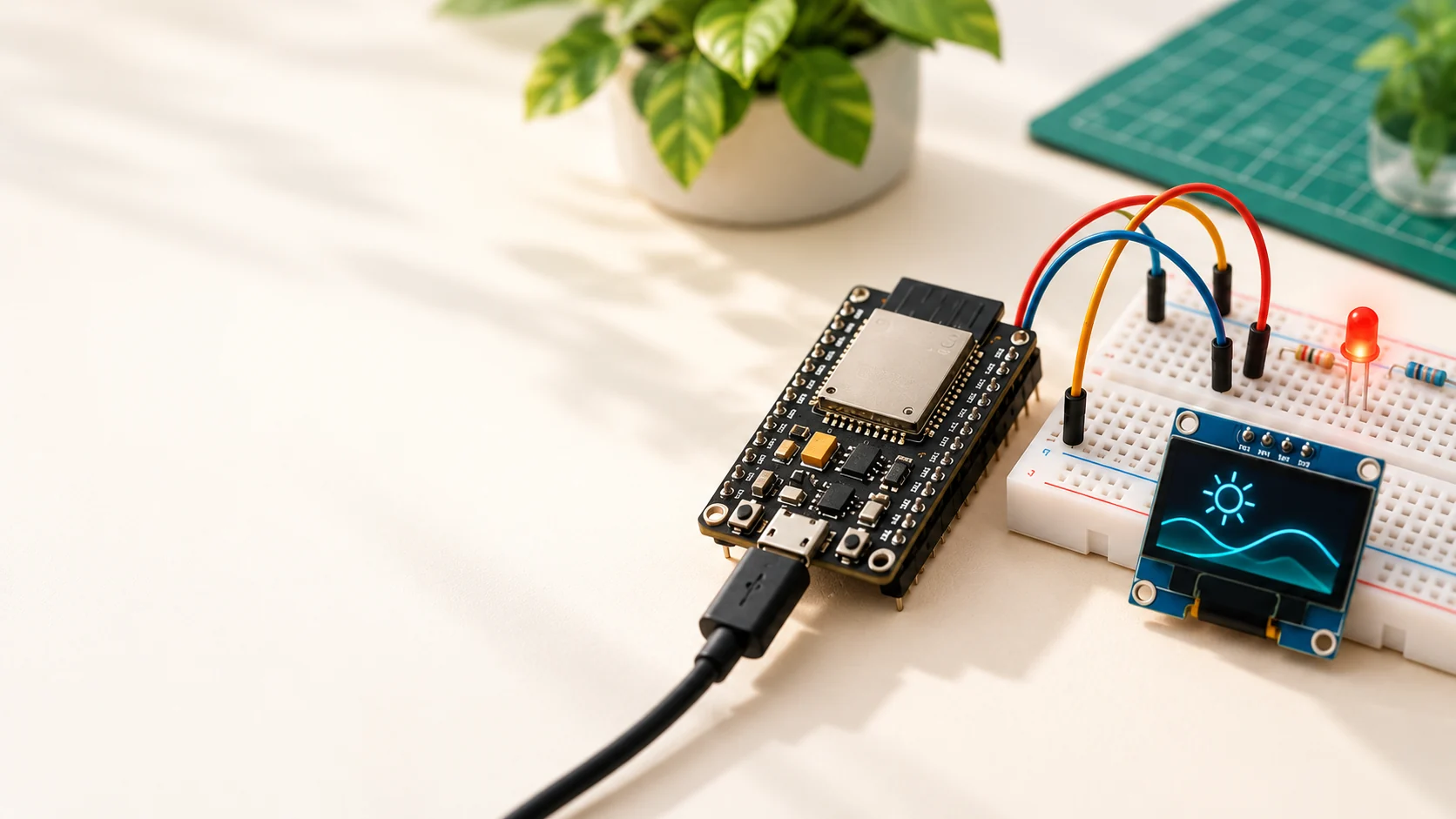
Illustrative hardware · follow the tutorial for wiring
Get started
Your ESP32 beginner journey
Follow these five steps, from first upload to your first display.
- 1
Arduino IDE setup
Install the tools and get your ESP32 ready.
- 2
Blink LED
Write your first sketch and light an LED.
- 3
Button input
Read a button and react to presses.
- 4
DHT11 sensor
Read temperature and humidity data.
- 5
OLED display
Show text and simple graphics.
Parts, prerequisites and what you will learn
Follow this order with a classic ESP32 WROOM DevKit and Arduino-ESP32 3.x. Each guide explains its exact hardware assumptions. Finish each expected result before moving on.
- Arduino IDE setup
Install the board package, select your board and port, then verify a Serial-only upload.
Parts: ESP32 DevKit, data-capable USB cable and computer.
Before you start: Start here; no circuit or onboard LED is required.
- Blink LED
Wire an external LED and control a digital output.
Parts: Add an LED, 220 ohm resistor, breadboard and jumper wires.
Before you start: First confirm the Serial upload in step 1 works.
- Button input
Read a button with INPUT_PULLUP and use it to control the LED.
Parts: Add a pushbutton; reuse the LED circuit and breadboard.
Before you start: First make the external LED blink in step 2.
- DHT11 sensor
Install a sensor library and read temperature and humidity in Serial Monitor.
Parts: Add a DHT11; check the guide for bare-sensor versus module wiring and pull-up requirements.
Before you start: Keep the working upload setup and practise the button wiring before adding a sensor.
- OLED display
Wire an SSD1306 I2C OLED and show text. Combining sensor values is a later exercise.
Parts: Add the guide’s 128×64 SSD1306 I2C OLED; verify its supply and signal requirements.
Before you start: Use the library-installation and Serial Monitor skills from step 4.
New to the board? Read What is ESP32?. For an ordered path, explore ESP32 basics.
Featured projects
Build something amazing
Put your new skills to work with a useful next build.
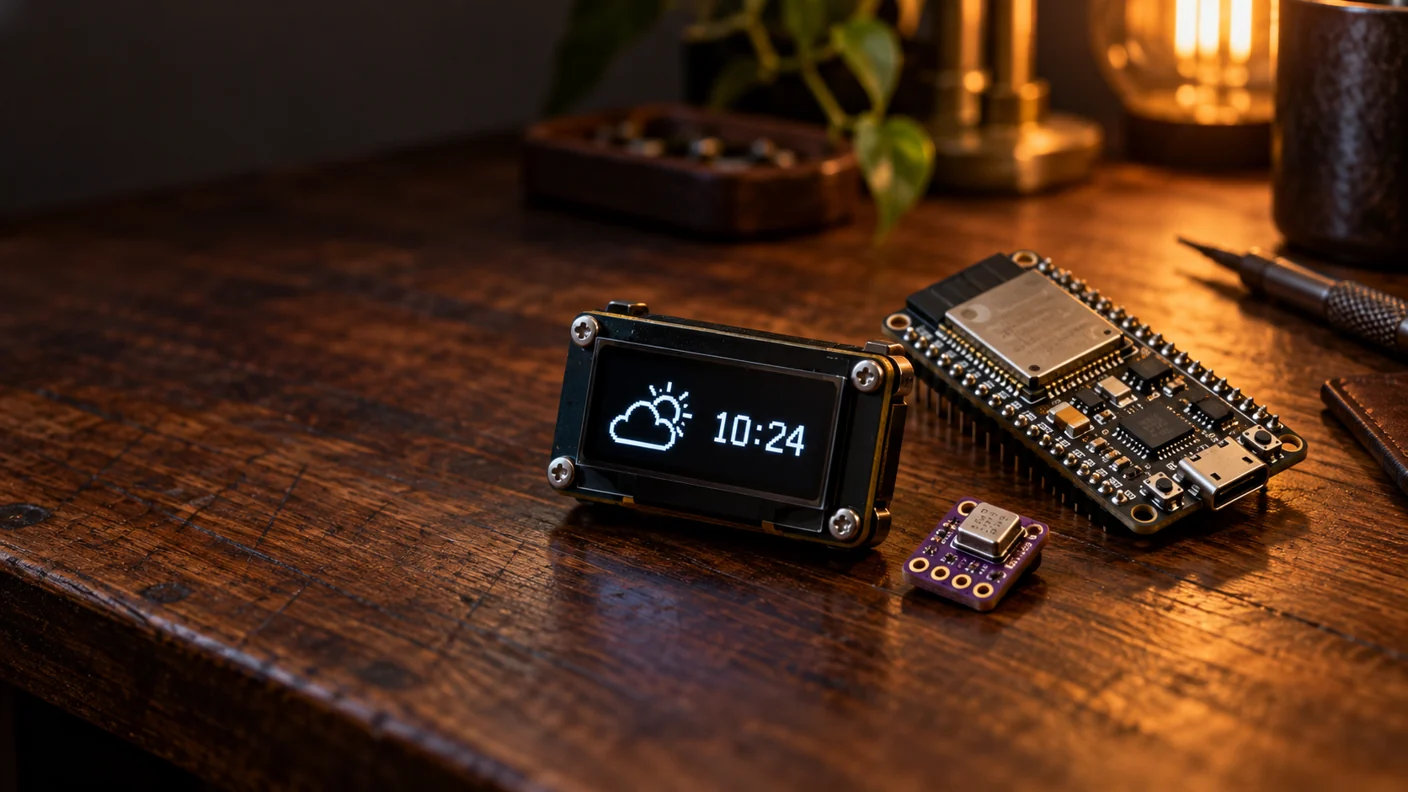
Weather Clock
Show local time and BME280 readings on an OLED, with Wi-Fi time synchronization.
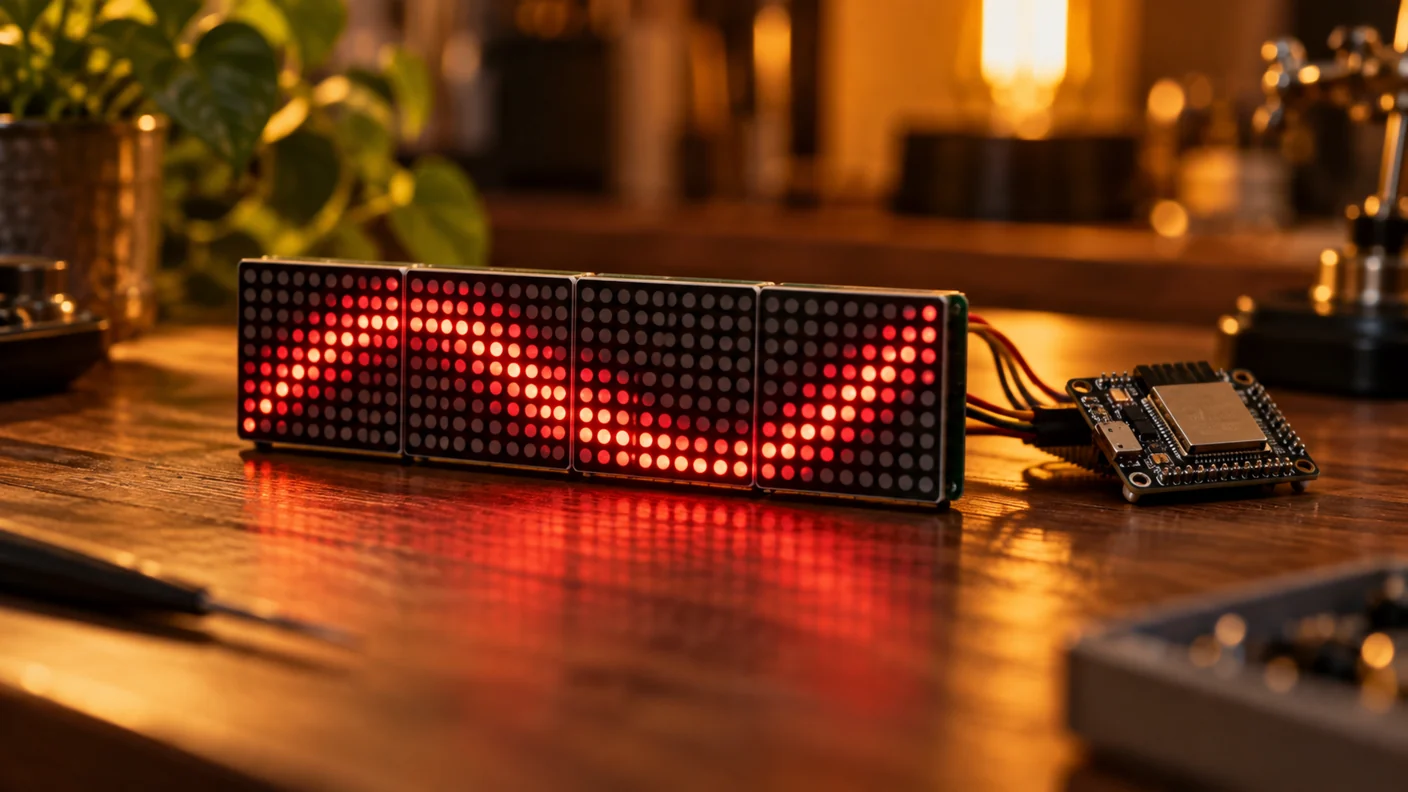
LED Matrix
Scroll a message on a MAX7219 matrix, with power, logic buffering and library setup.
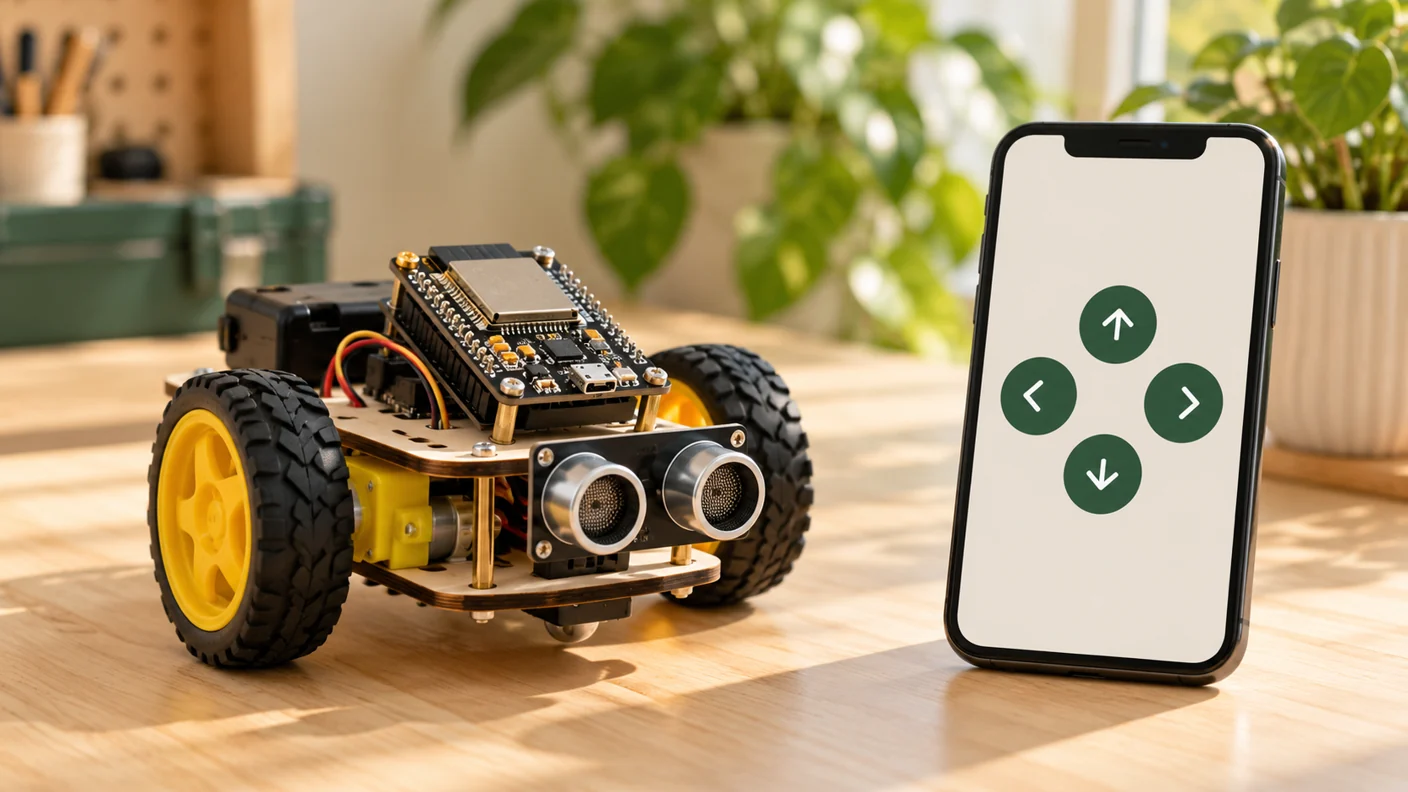
Wi-Fi Robot Control
Send local browser commands to an ESP32 robot through a motor driver.
Generated project visuals are illustrative, not wiring instructions or evidence of tested builds.
Find your next component
Understand boards, sensors, displays and their power requirements.
Explore components →Explore learning paths
Build your skills with ordered lessons and clear prerequisites.
Choose your path →Need a suggestion? Open the project finder
Project finder
Find a project for your next skill
Choose your interests for a three-project progression, from a first build to a further challenge.
Who is building?
What do you want to do?
Best First
ESP32 Learning Trainer Board
Classroom ESP32 trainer with a push button on GPIO12 and status LED on GPIO14.
Build projectNext Challenge
ESP32 Distance Monitoring System
Build an ESP32 HC-SR04 distance monitor with TRIG GPIO5, ECHO GPIO18 through a 10 kOhm / 20 kOhm divider, 5 V sensor…
Build projectAdvanced Upgrade
ESP32 OLED Weather Clock: BME280, Wi-Fi and Local Time
Build an ESP32 SSD1306 weather clock with BME280 readings, NTP time, timezone rules and Wi-Fi recovery.
Build projectAlready comfortable with the basics? Explore advanced projects.